Pet Protection Veterinary Clinic (PPVC) is a real vet clinic in Dasmariñas, Cavite — dogs and cats, surgeries and vaccinations, open 7 AM to 10 PM. Behind the counter it has the same problem every small clinic has: attendance on trust, payroll by hand, supplies counted from memory.
PPVC Pulse is the clinic's operating system. Staff clock in at a shared front-desk tablet — by PIN or by face, with recognition running entirely in the browser — and everything downstream follows: timesheets, payroll with PDF payslips, schedules, leave, emergency callouts, and inventory down to the crash cart. And because a time clock is nobody's favorite coworker, every teammate gets an illustrated cat or dog companion whose mood mirrors their attendance. It's a Gen-Z-friendly attendance system that would rather make you smile than make you nervous.
The clinic's front door
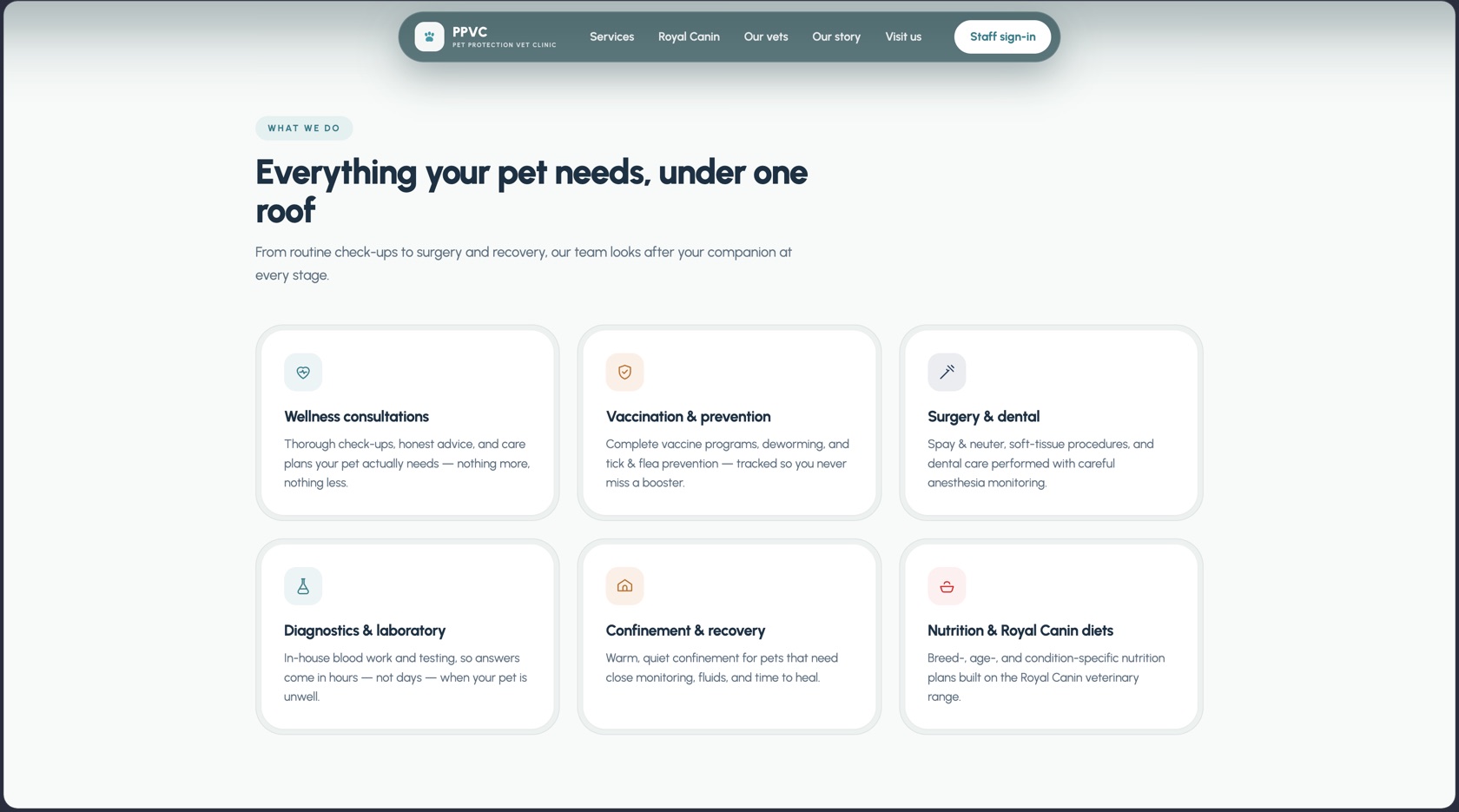
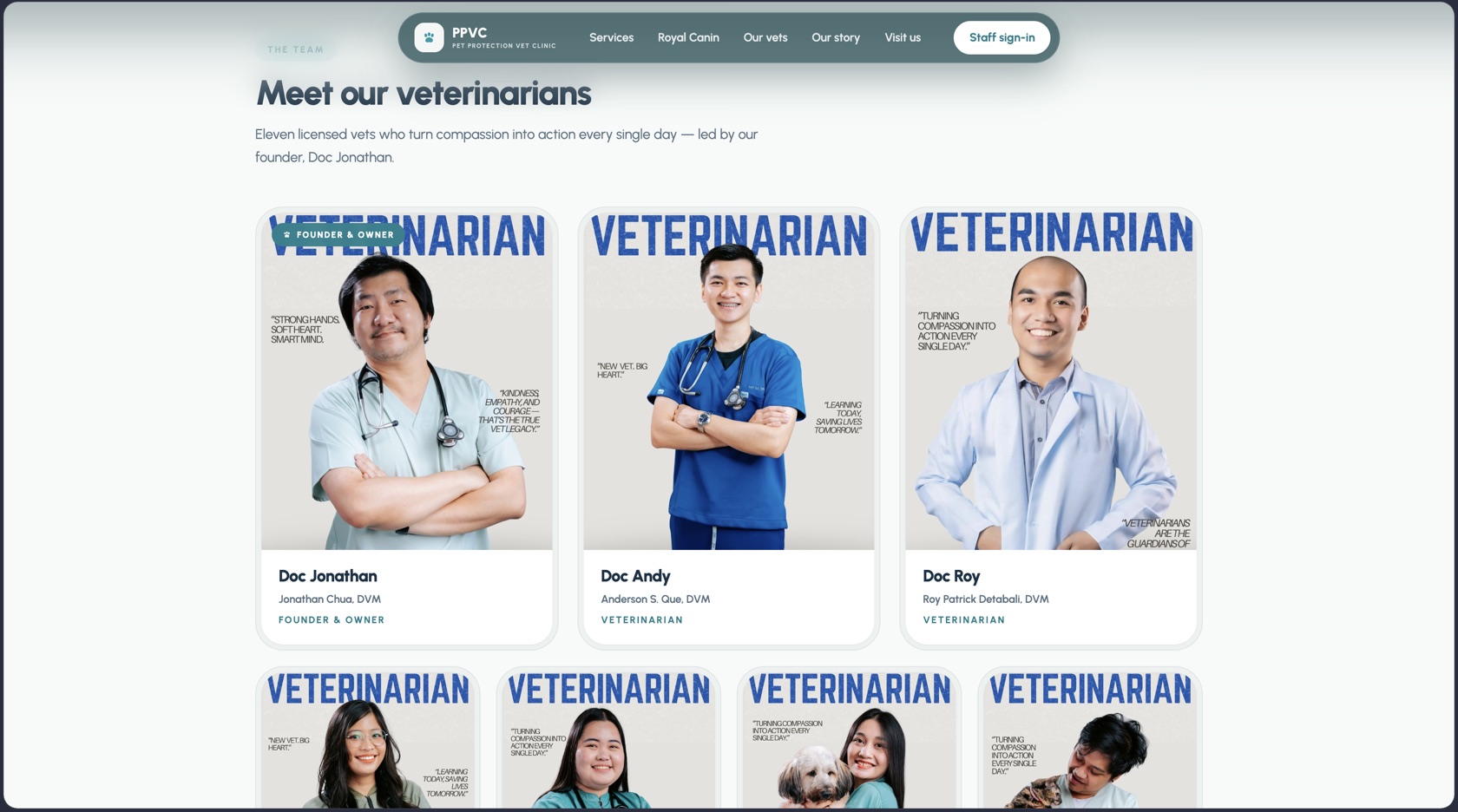
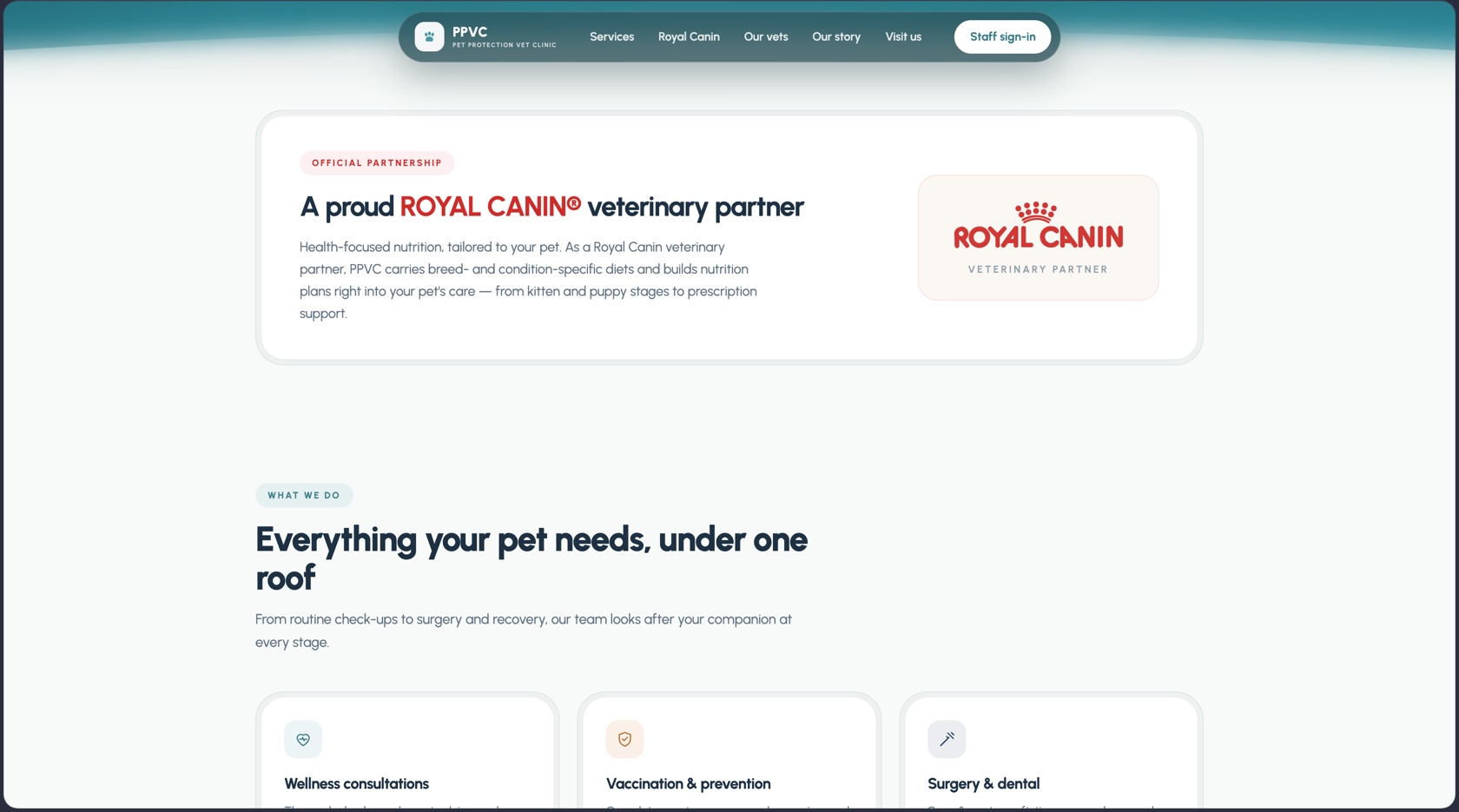
Start where a pet owner does. The public site sells the clinic, not the software: services, the vets themselves, five years of history, and the Royal Canin partnership — with Staff sign-in tucked where only the team will look for it. Everything past that button is the operating system this story is about.
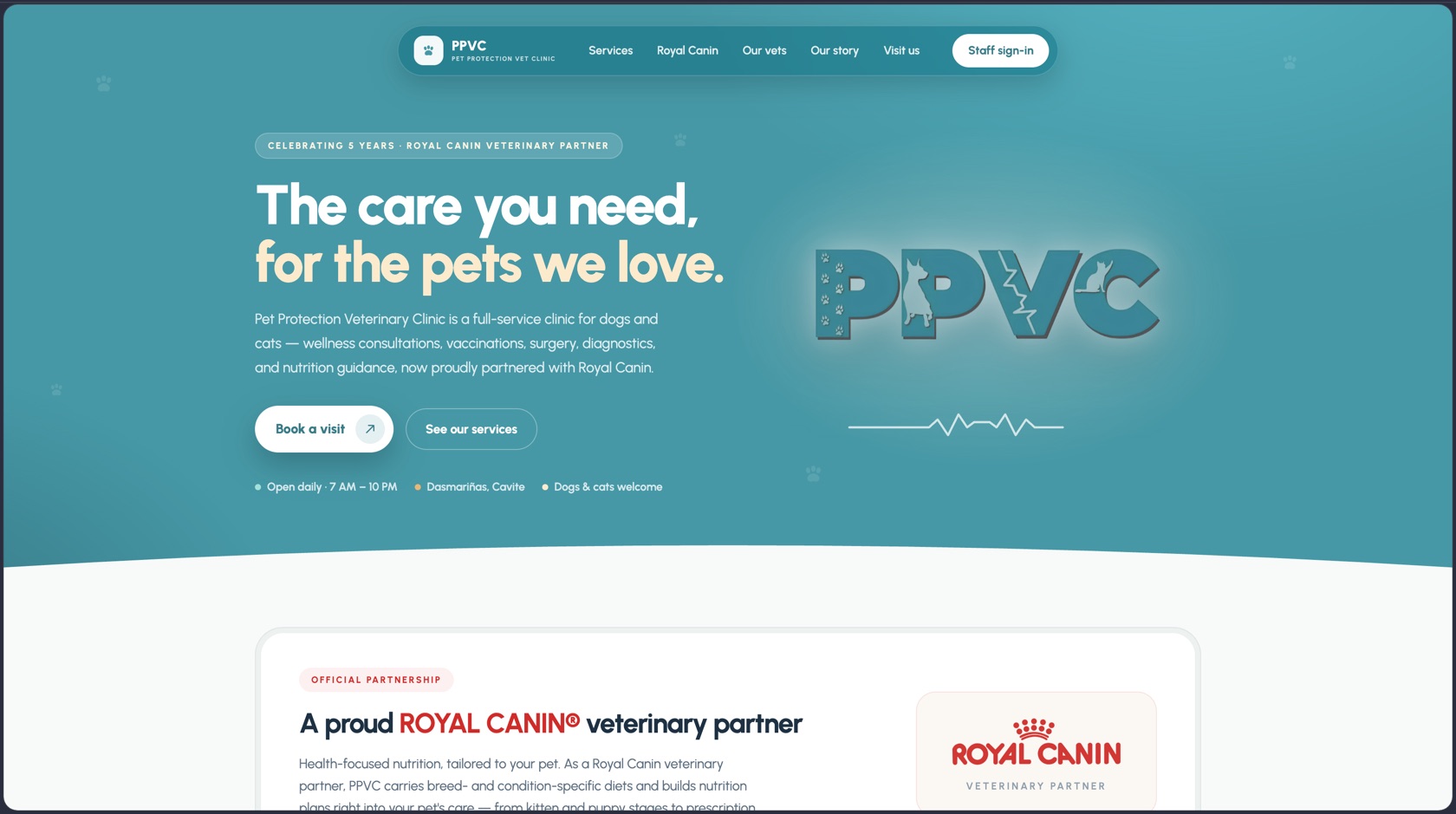
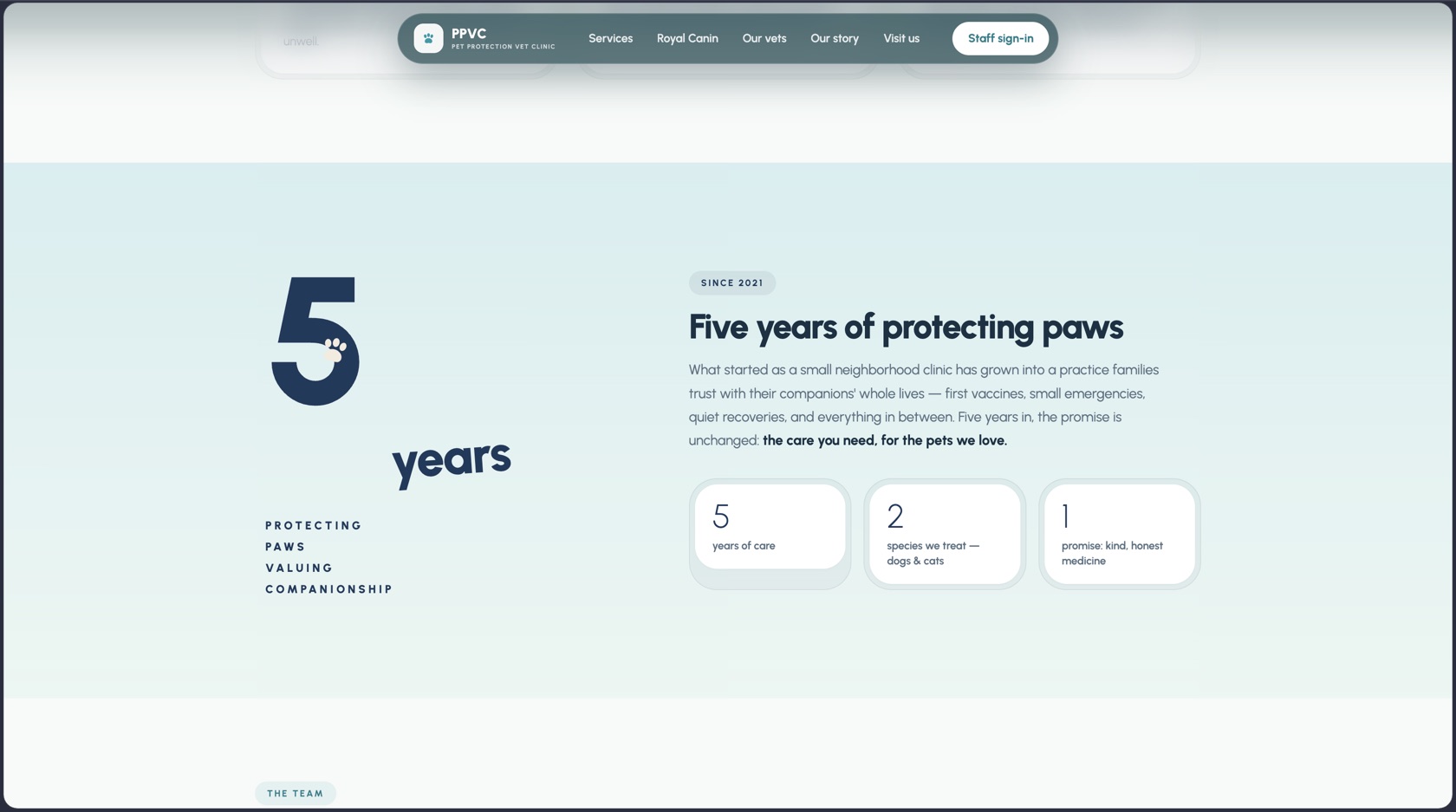 Celebrating 5 years
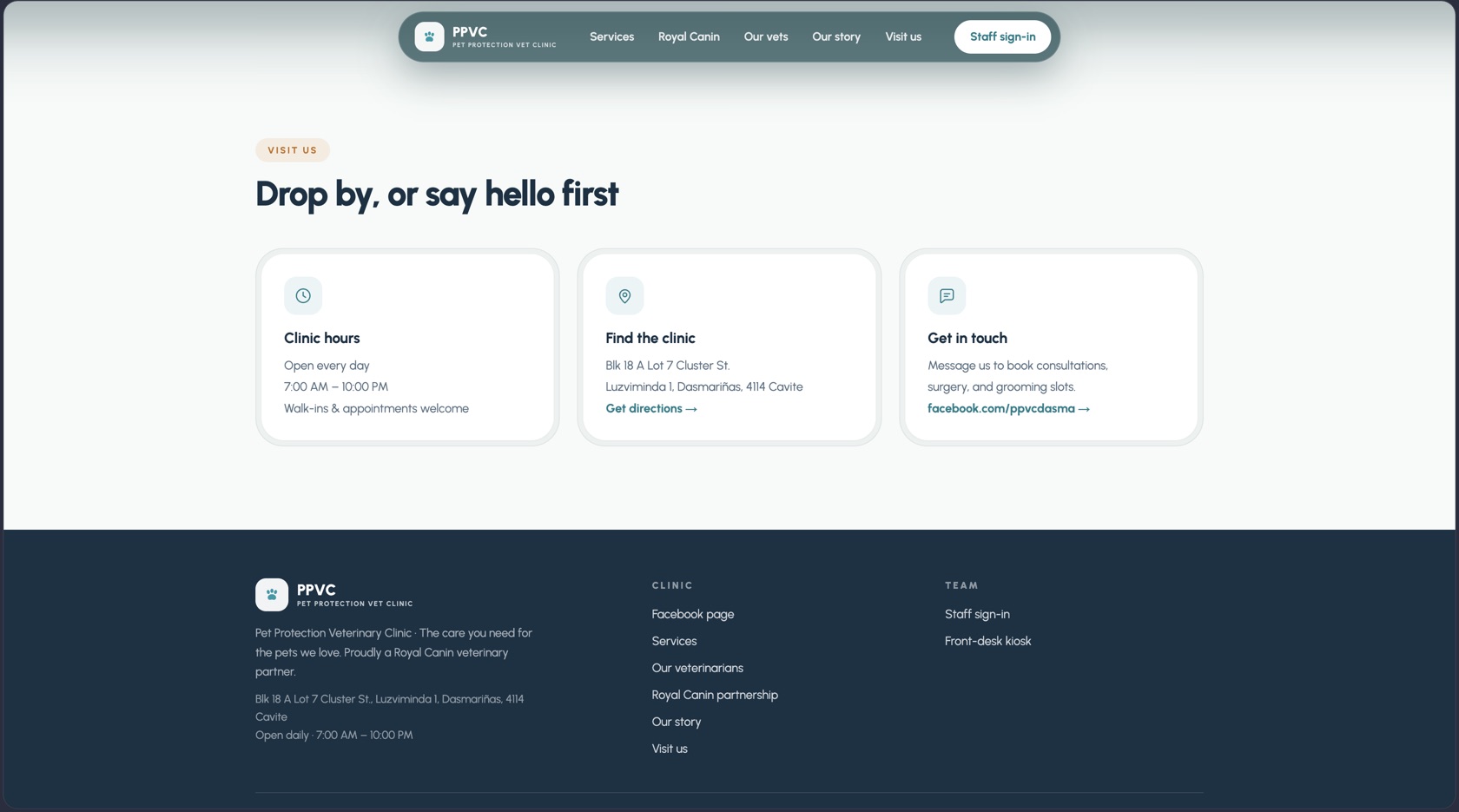 Visit us
One tablet, the whole clinic
The app is deliberately bigger than a punch clock. One login (there are 4 roles — admin, staff, kiosk, and a client role already in the schema) covers the operations a clinic actually runs on:
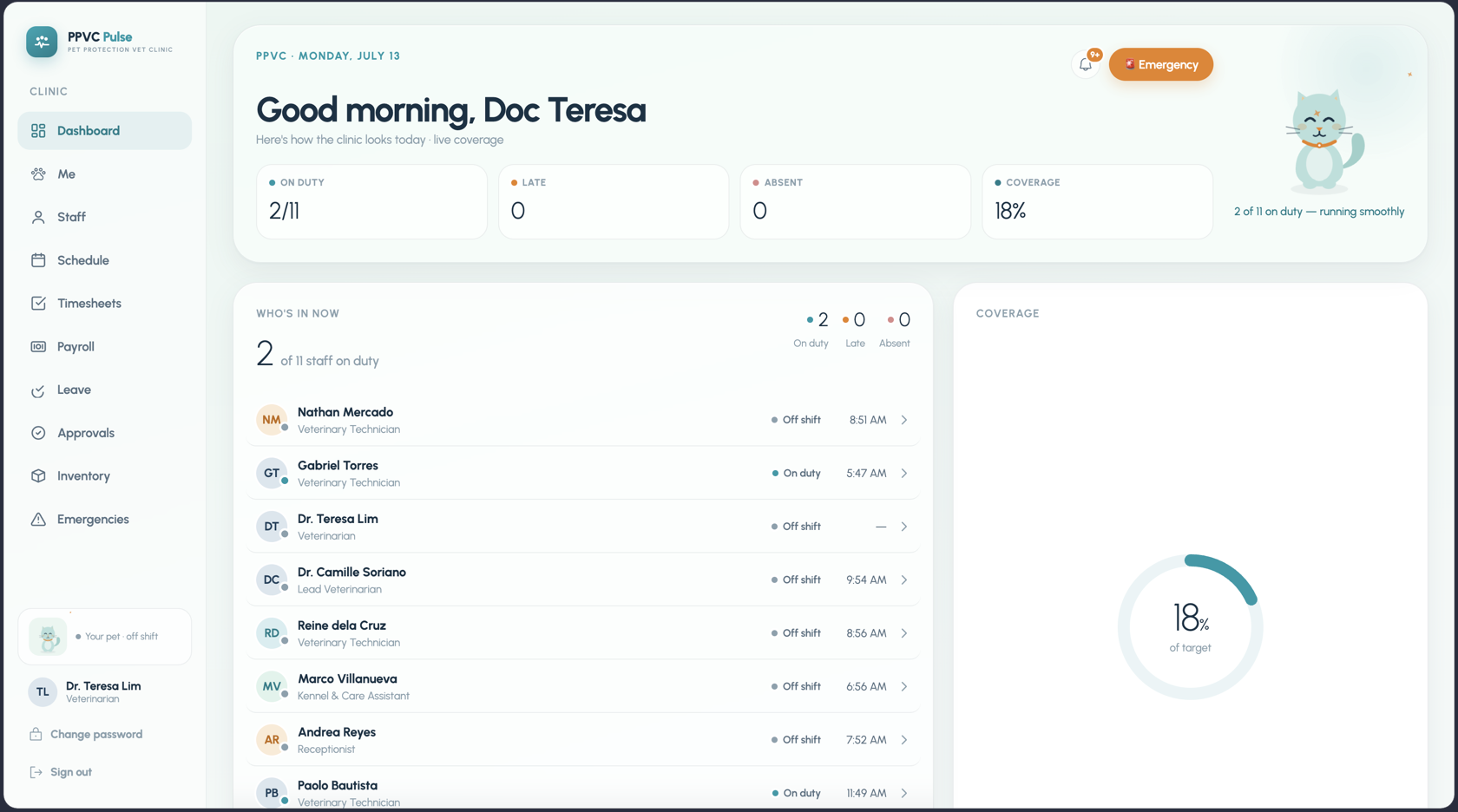
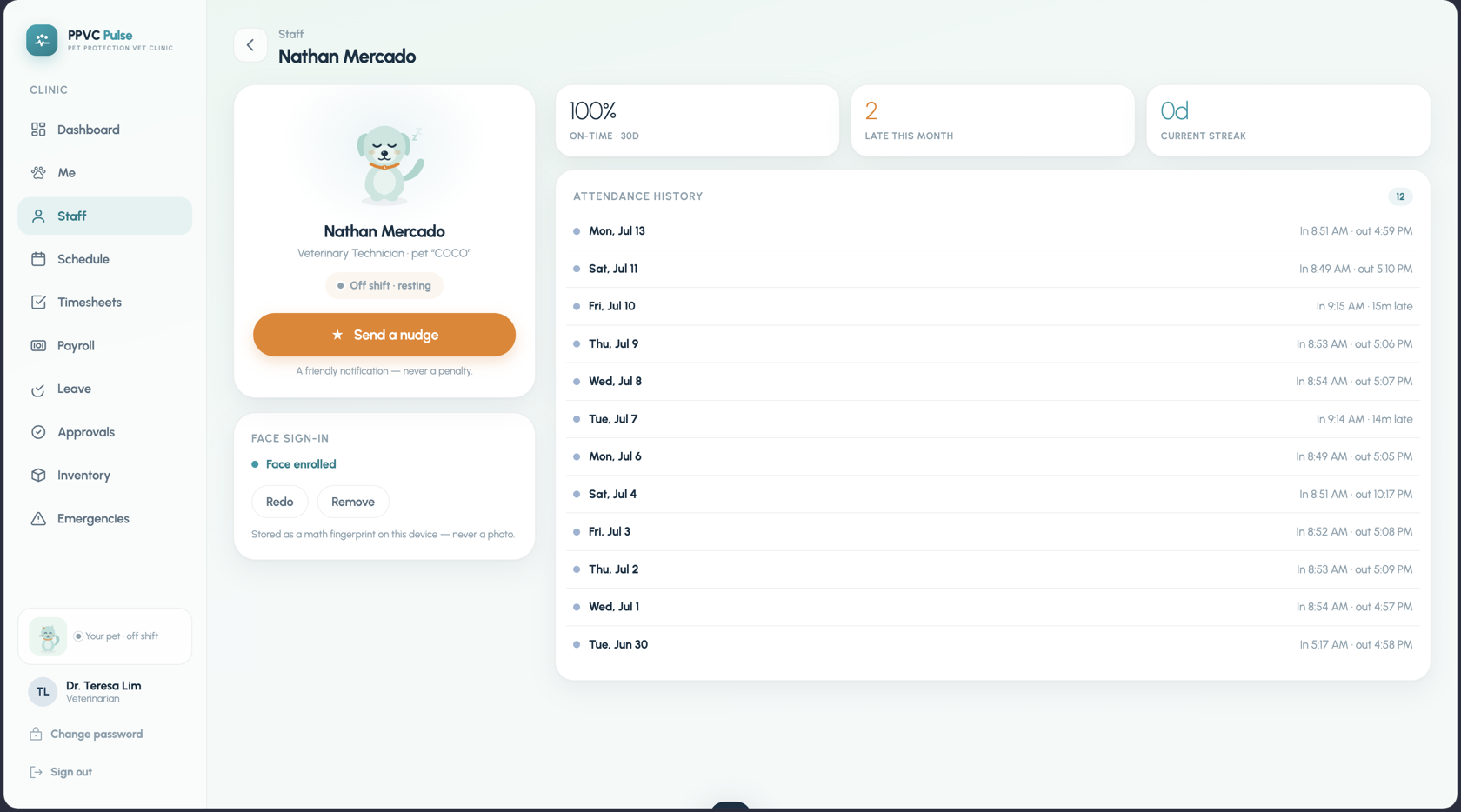
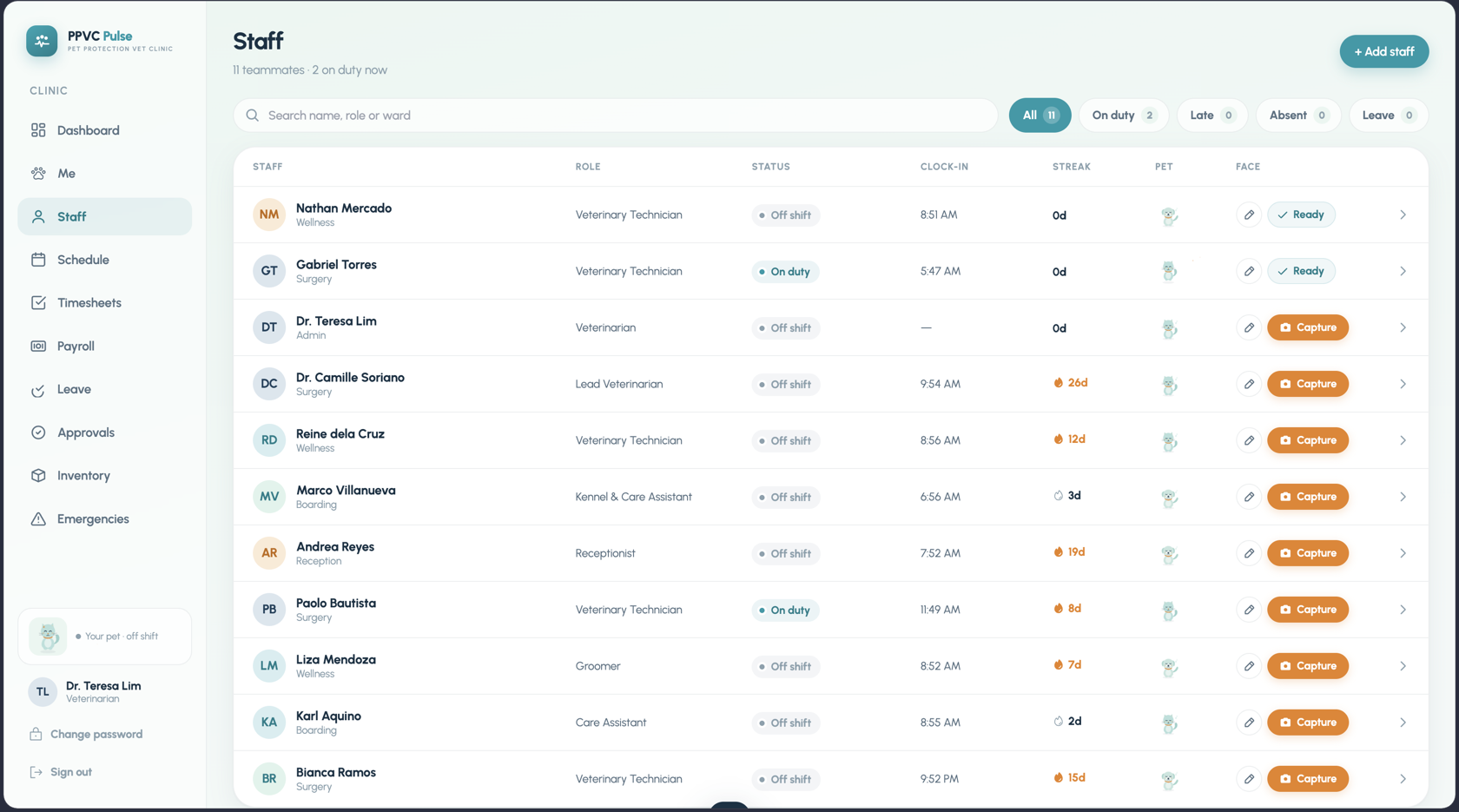
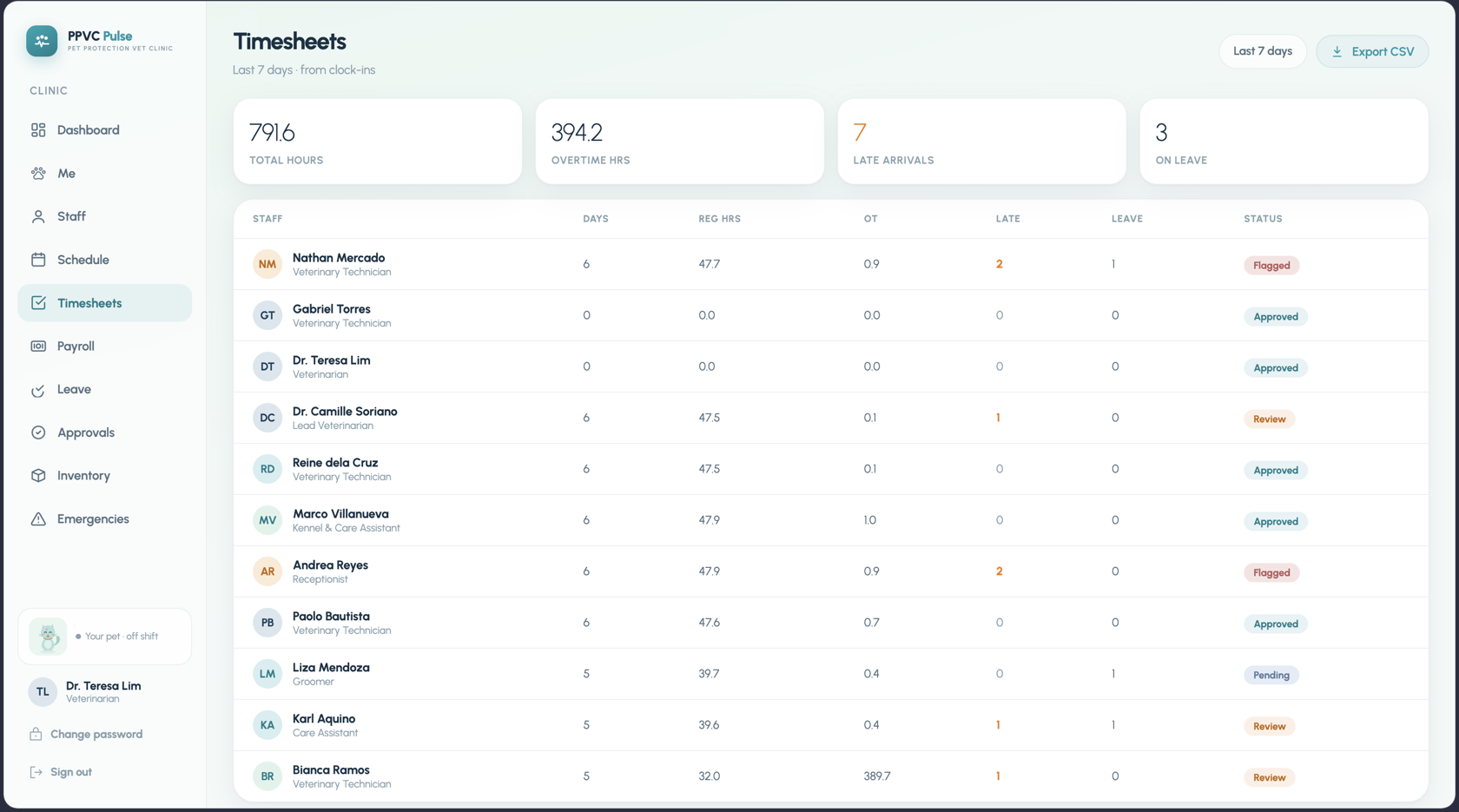
Kiosk-only clock-in with face or PIN, live coverage on the dashboard, and an attendance history per person — on-time percentage, lates, and streaks.
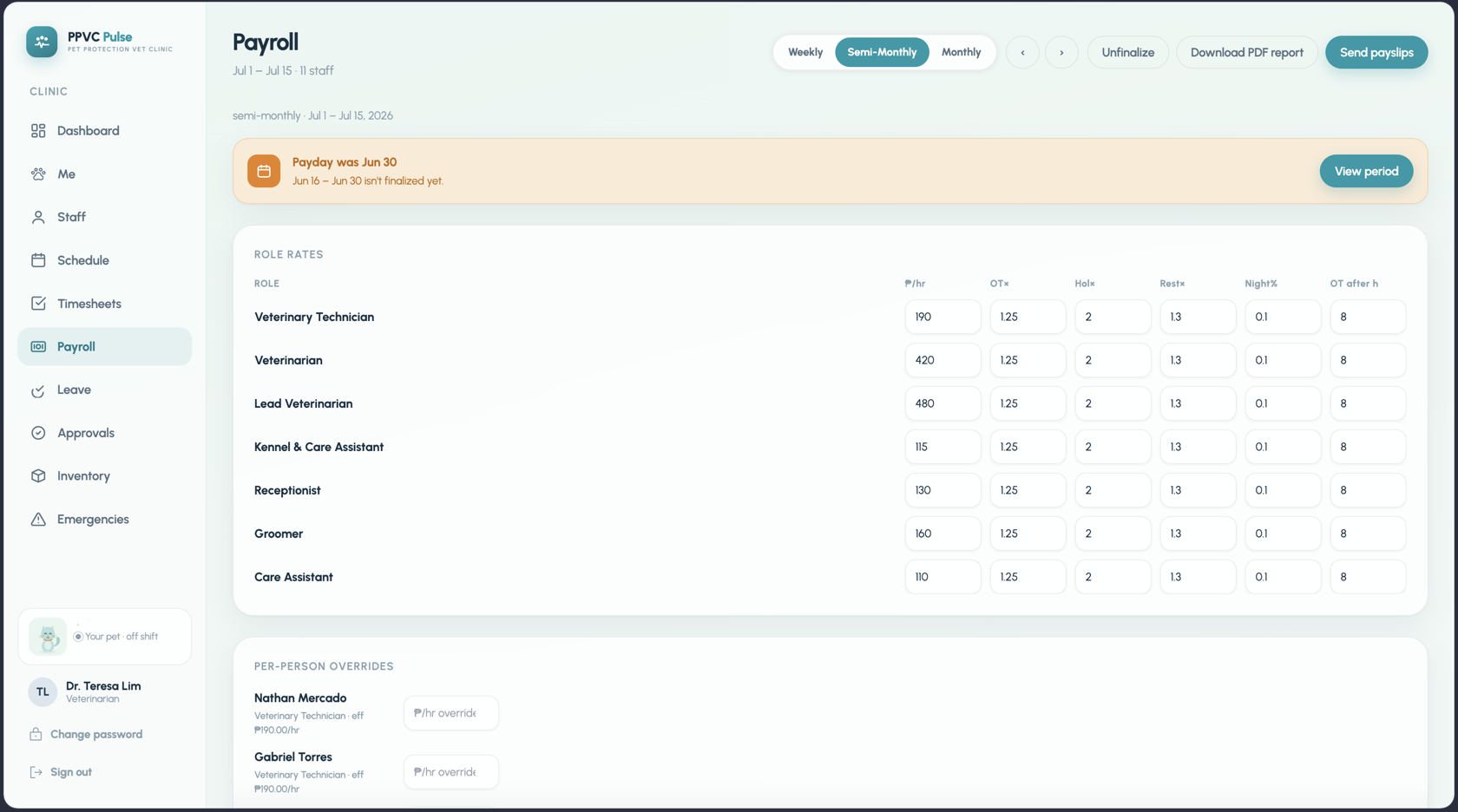
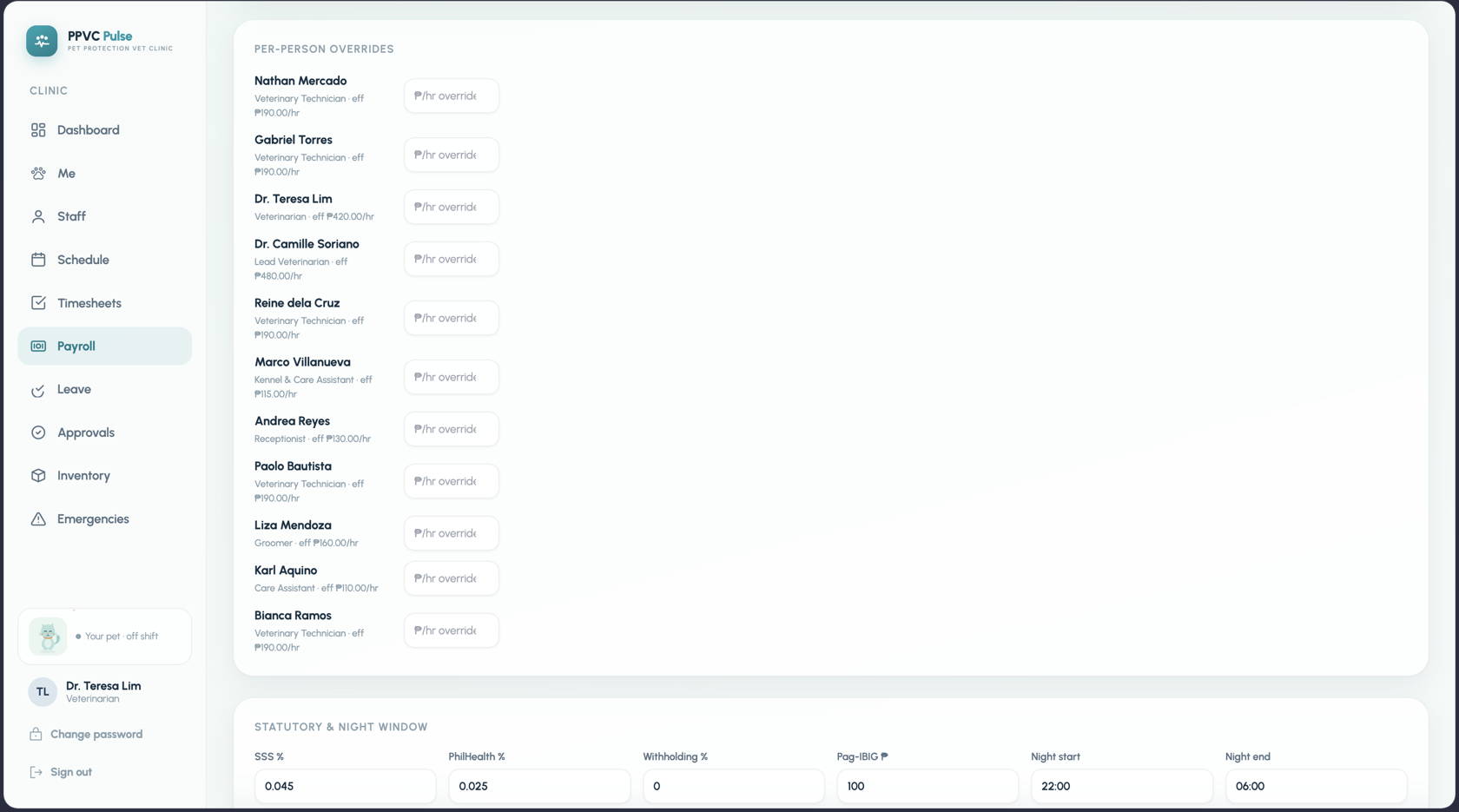
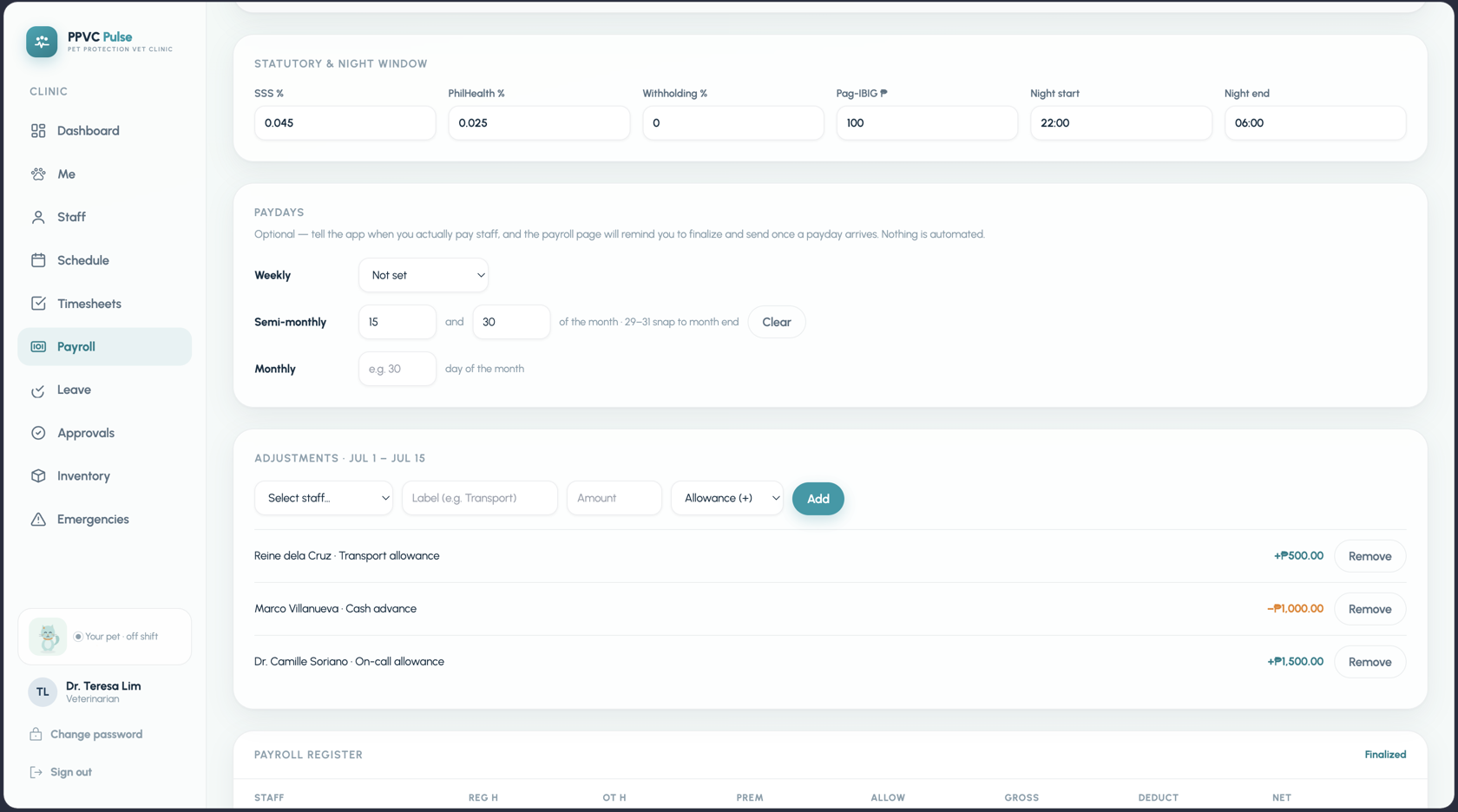
Per-role hourly rates with overtime, holiday, rest-day, and night multipliers; per-person overrides; audited finalize; PDF payslips sent from the app.
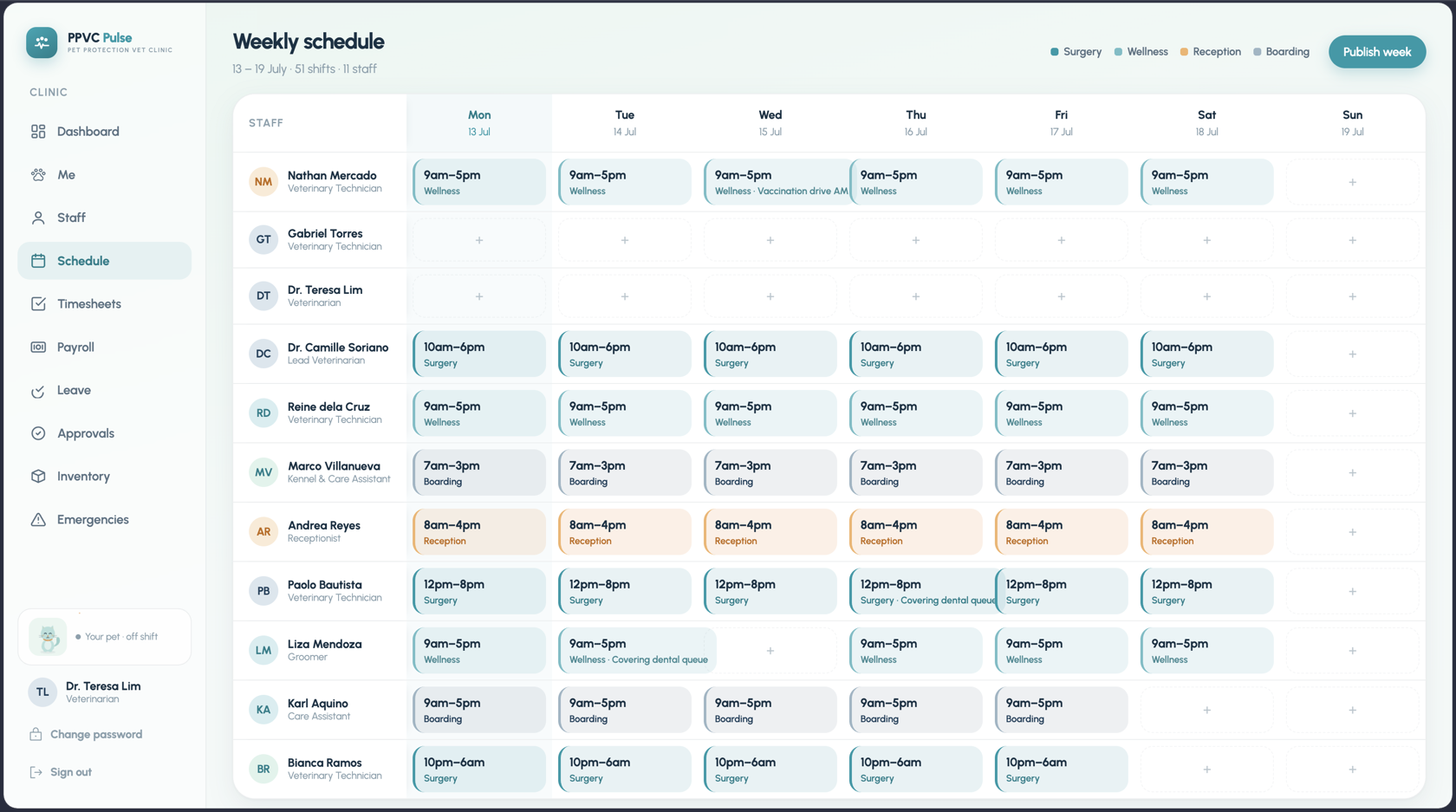
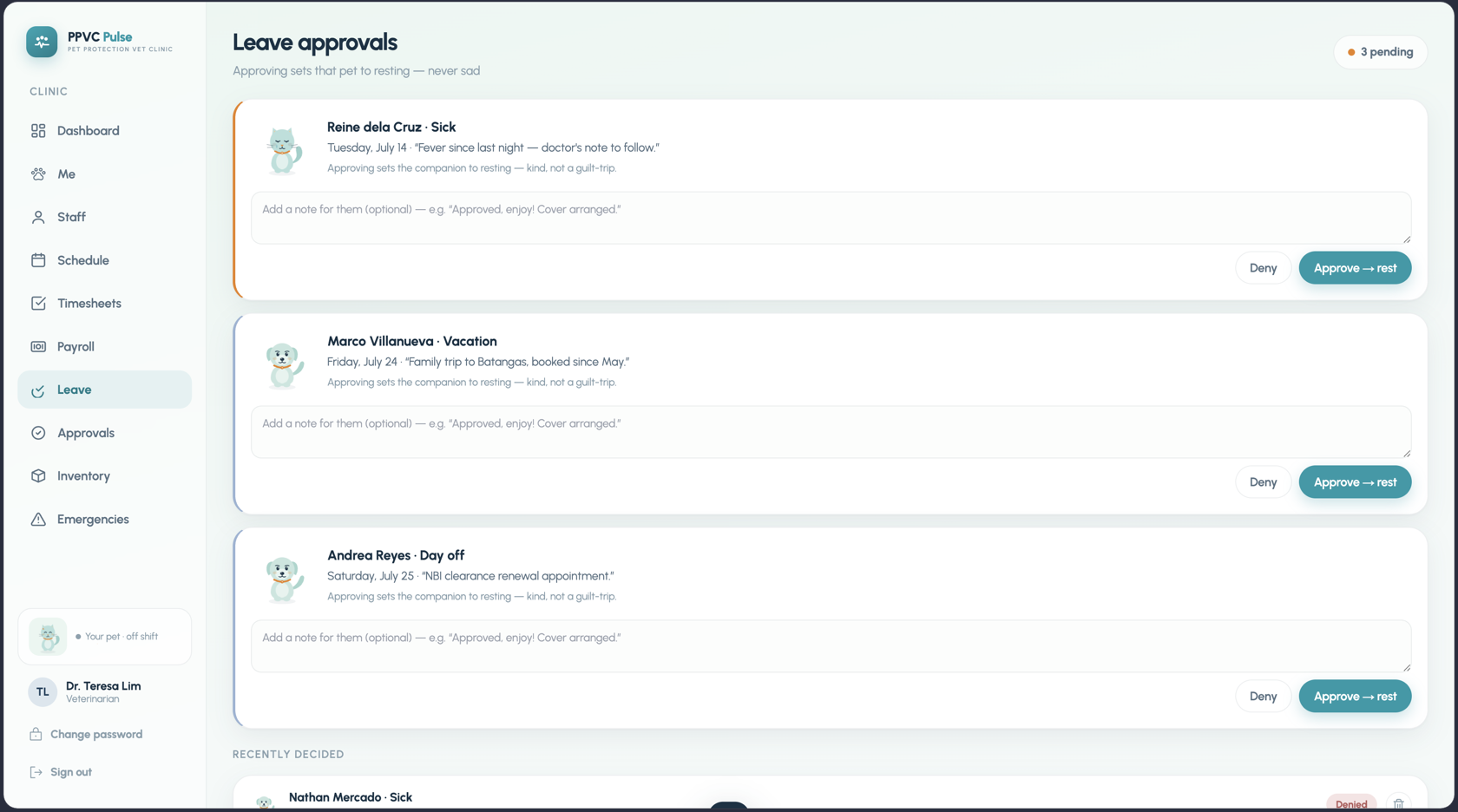
Shifts on a weekly board, leave requests from the staff app, and an approvals queue where “approve” automatically means the pet rests instead of sulking.
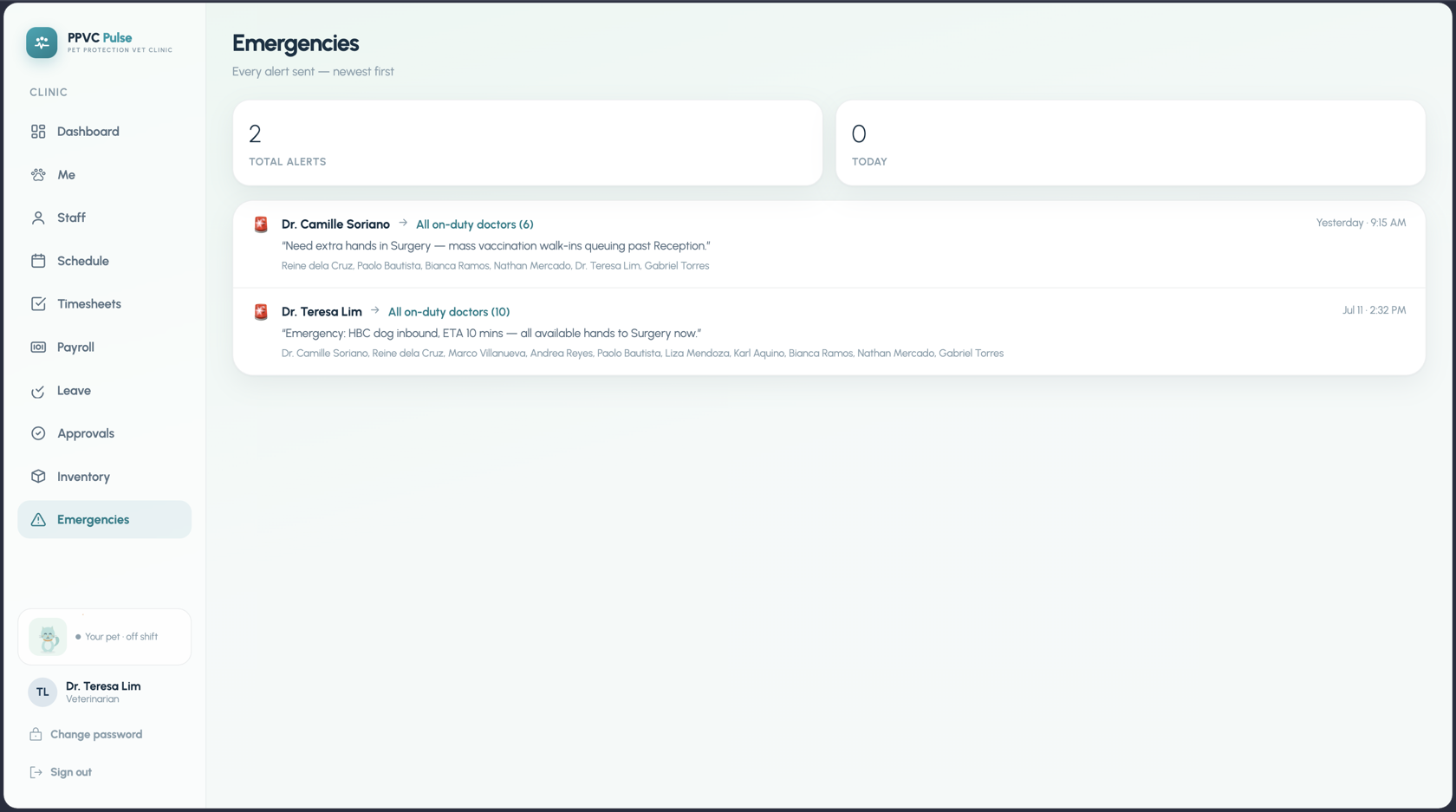
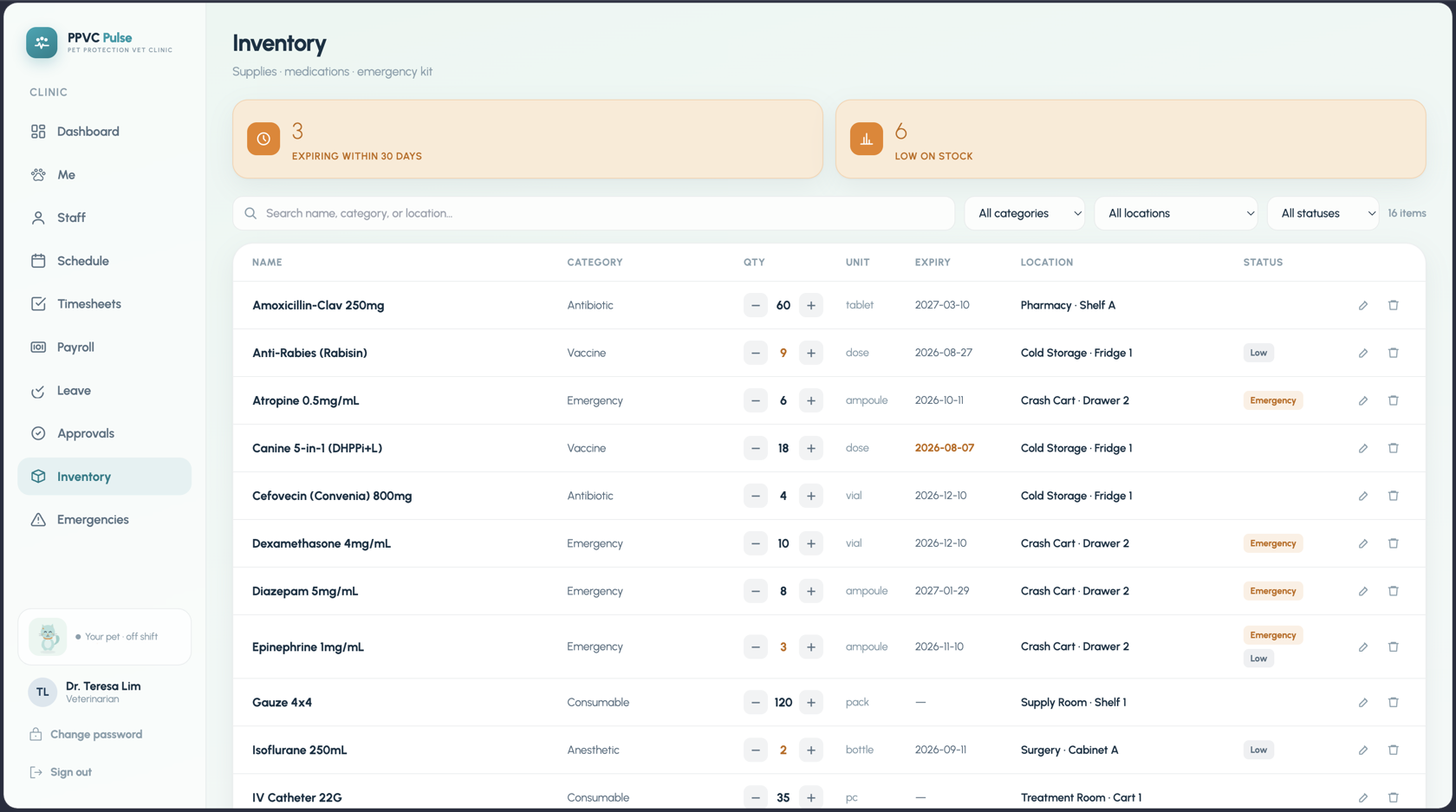
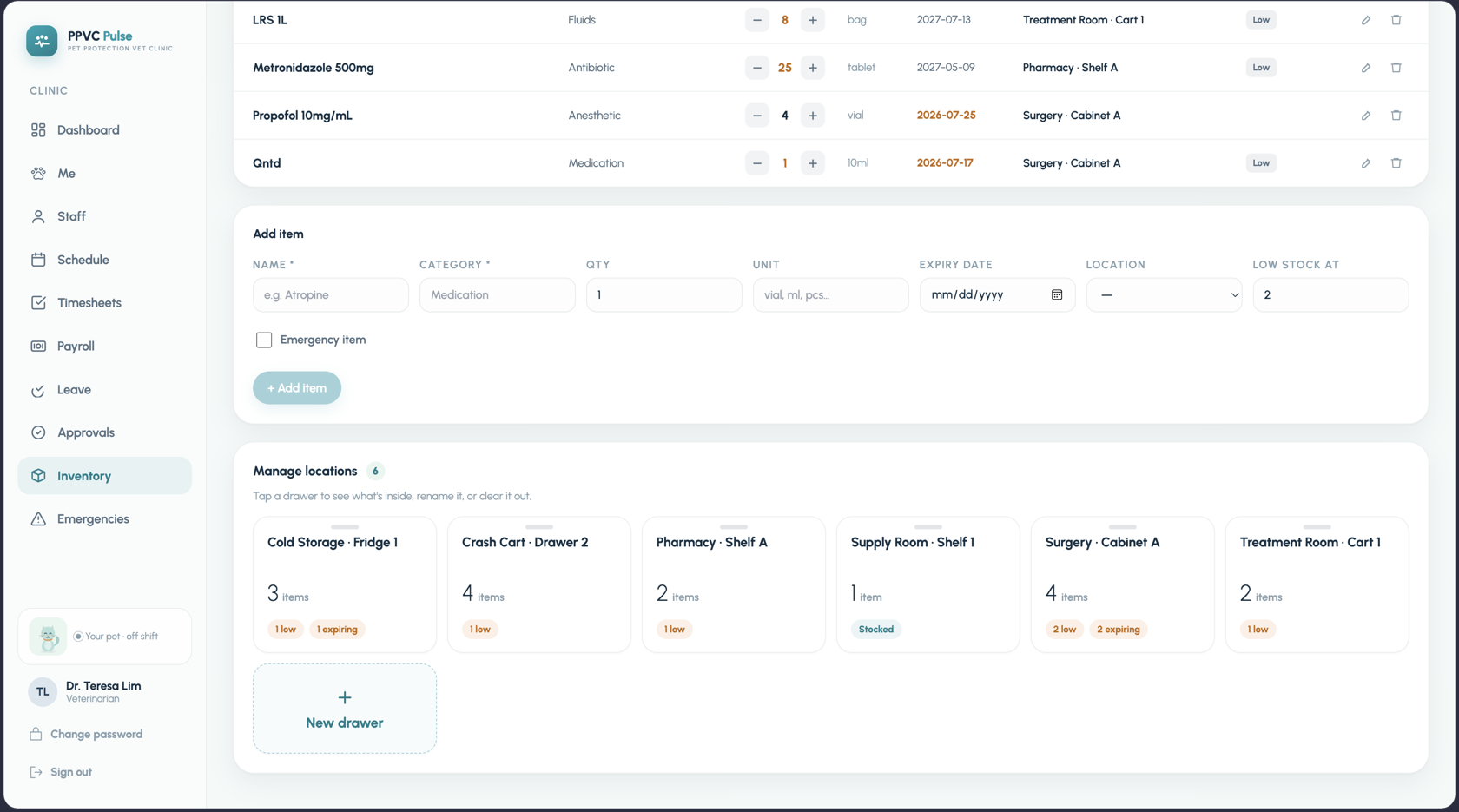
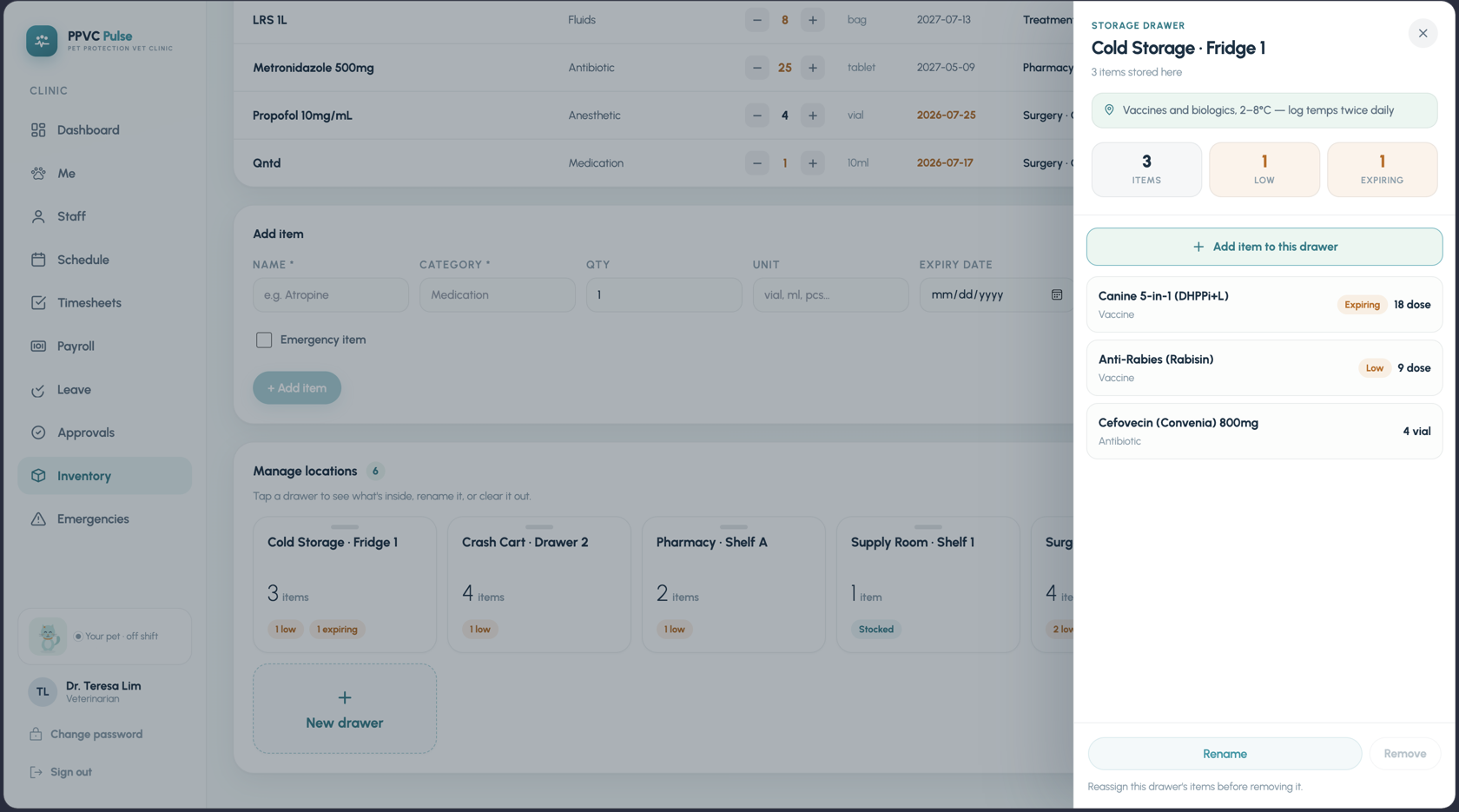
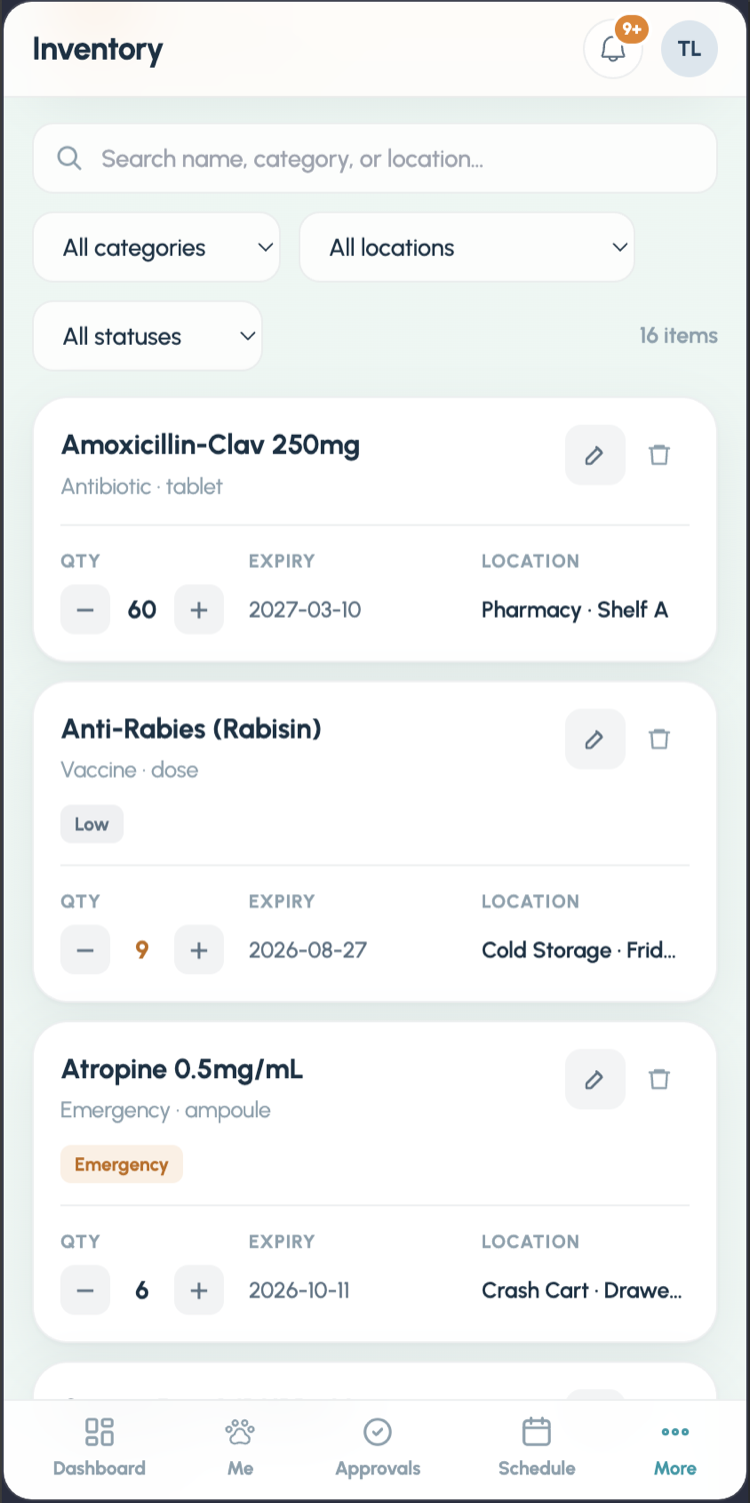
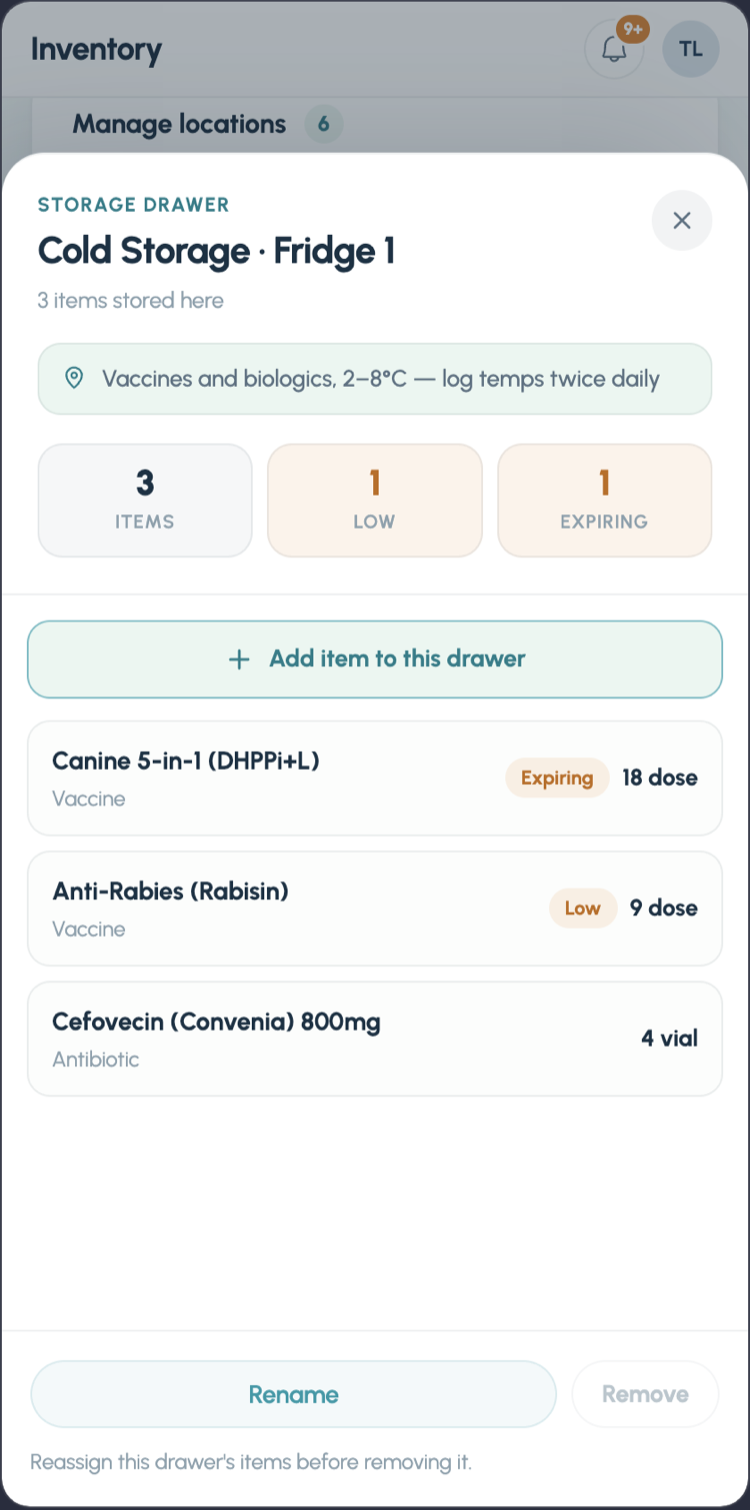
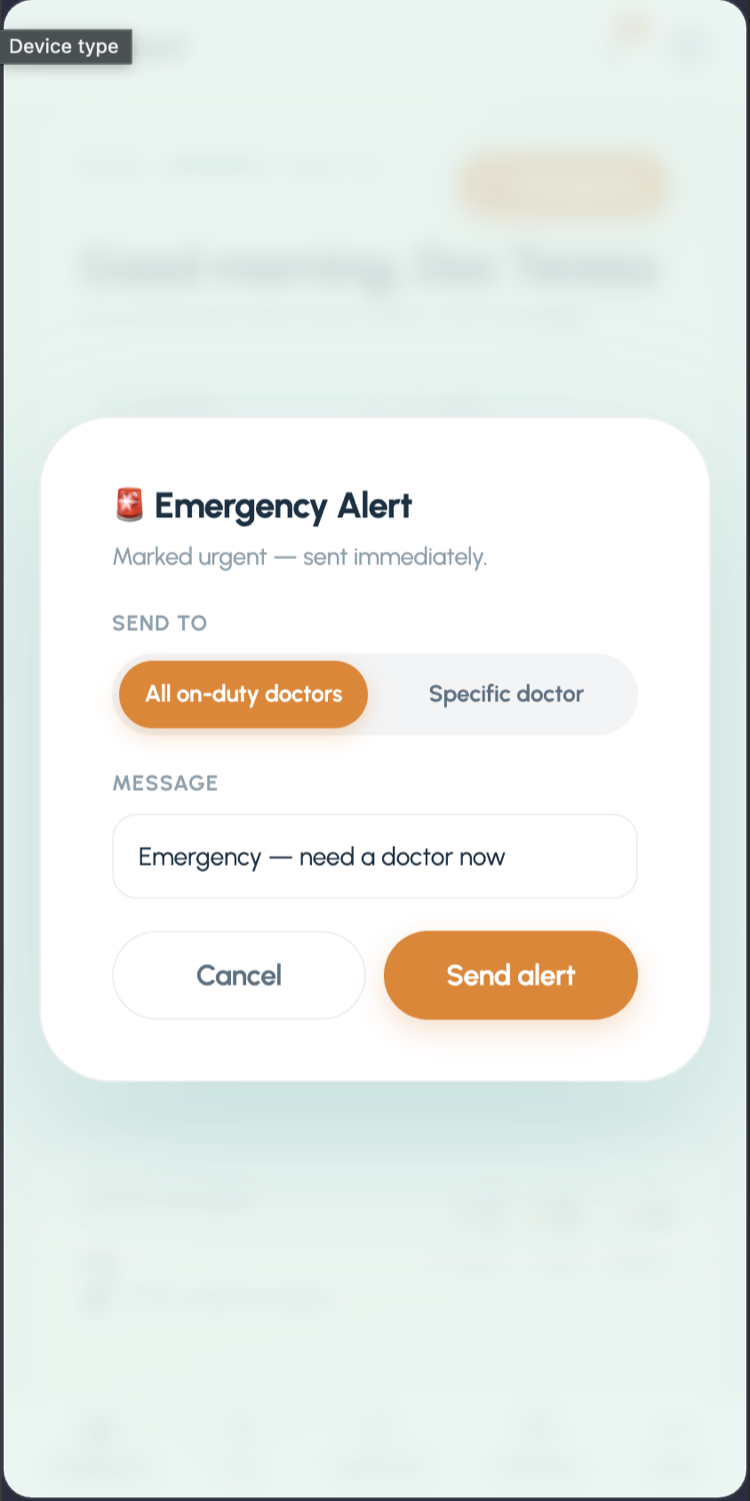
Medications and supplies with expiry and low-stock alarms located down to “Crash Cart · Drawer 2,” and a red Emergency button that pages one doctor or everyone.
The fairness rule
The design decision everything else hangs on: phones cannot clock in. The staff app has a clock-in button, and it is deliberately inert — it tells you to walk to the front desk. That single constraint kills remote punching and buddy punching without a single accusatory feature.
Being “in” means being in the building.
The one attendance rule, applied identically to the lead veterinarian and the newest care assistant.
Anyone can punch from anywhere — a bed, a bus, a friend’s phone. PPVC Pulse ships with it deliberately disabled: the staff app’s clock-in button is inert on purpose.
One shared tablet at the front desk, face or PIN. Being “in” means being in the building — the same rule for the lead vet and the newest care assistant.
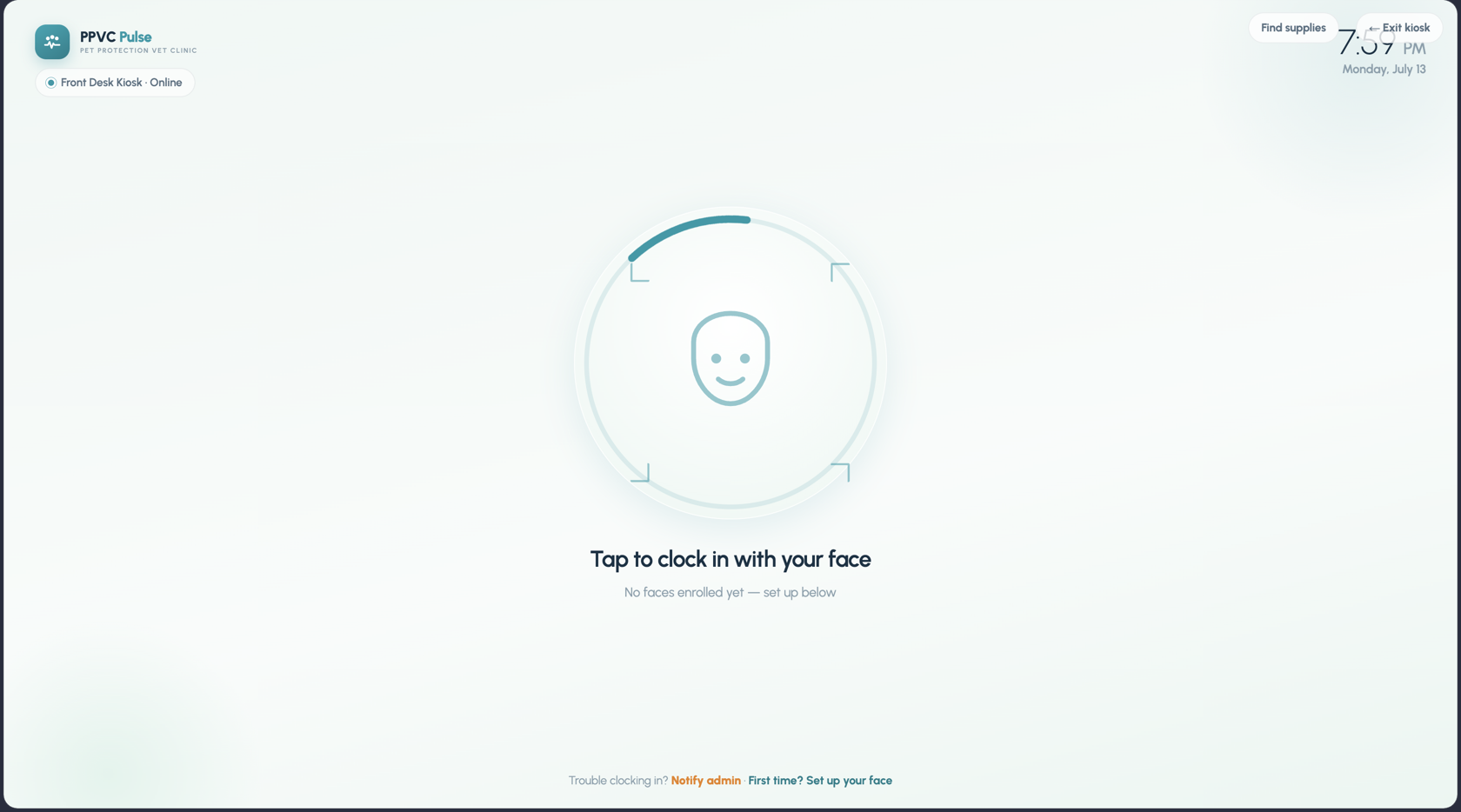
A face is a math problem, not a photo
The kiosk's face recognition runs on face-api.js with self-hosted models — matching happens in the browser on the tablet, no cloud vision API, no photos stored anywhere. What's kept is a numeric descriptor: “stored as a math fingerprint on this device — never a photo,” as the enrollment screen puts it. PINs get the same respect: they're bcrypt hashes checked inside Postgres by security-definer RPCs, so a hash never travels to the client at all.
Five steps, none of them in the cloud.
The whole clock-in pipeline — from the tap on the tablet to the companion's reaction — runs between the kiosk's browser and the database.
Face models ship with the app and run on-device — the clinic's faces never leave the clinic.
Every one of the 20 tables sits behind deny-by-default RLS, with an integration test suite (test:rls) proving it.
The pet that cares if you show up
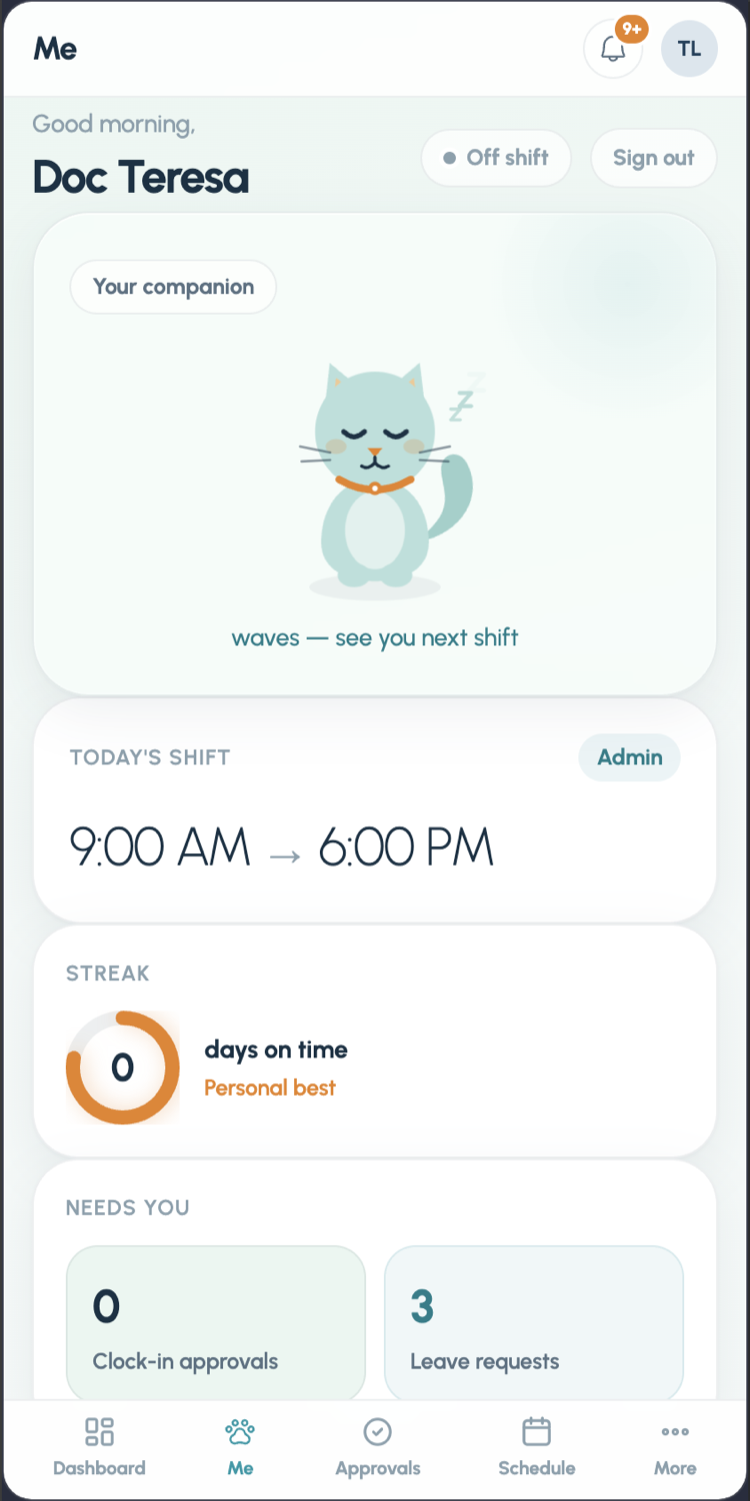
Every teammate picks a companion — an illustrated cat or dog with a name like Mochi or Coco — and the companion's mood is a live render of their attendance. On time and it beams; late and it looks gently concerned; clock out and it waves “see you next shift.” Streaks (“days on time · personal best”) give the Gen-Z crowd something to protect, and admins can send a nudge — “a friendly notification, never a penalty.”
The rule that makes it work is the one the code calls kindness:
Approved leave can never make the pet sad.
The mood matrix is intentionally asymmetric — honesty about absence is rewarded with a napping companion, not a guilt trip.
the streak grows, the mood glows
naps with a “zzz” — never goes sad
a gentle look, not a penalty
the only thing that truly disappoints it
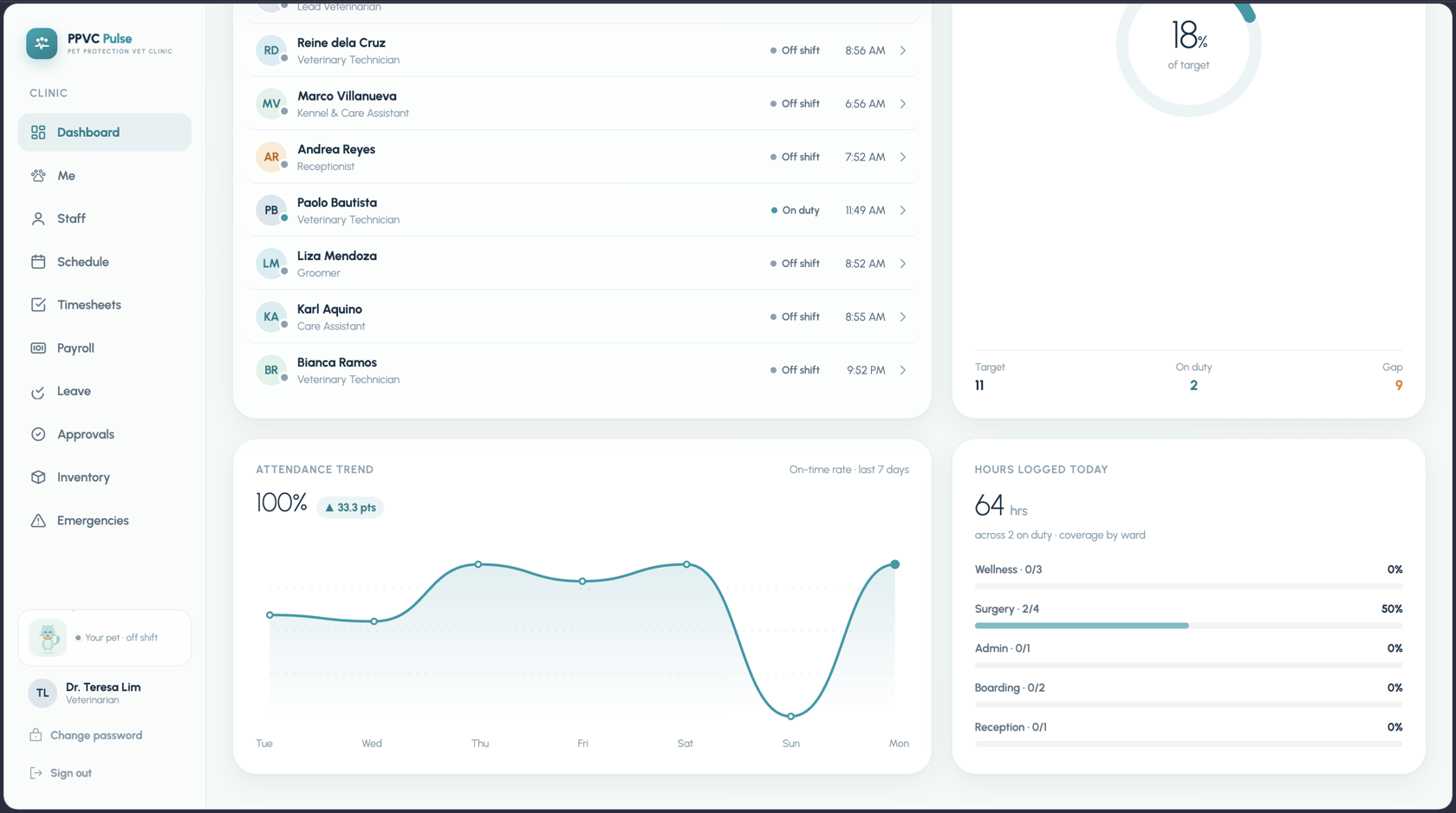
The admin's clinic view
Admins get the whole clinic on one screen: live coverage against target, who's on duty right now, and the queues that need a decision — clock-in approvals, leave requests, emergency acknowledgements.
Payroll that shows its math
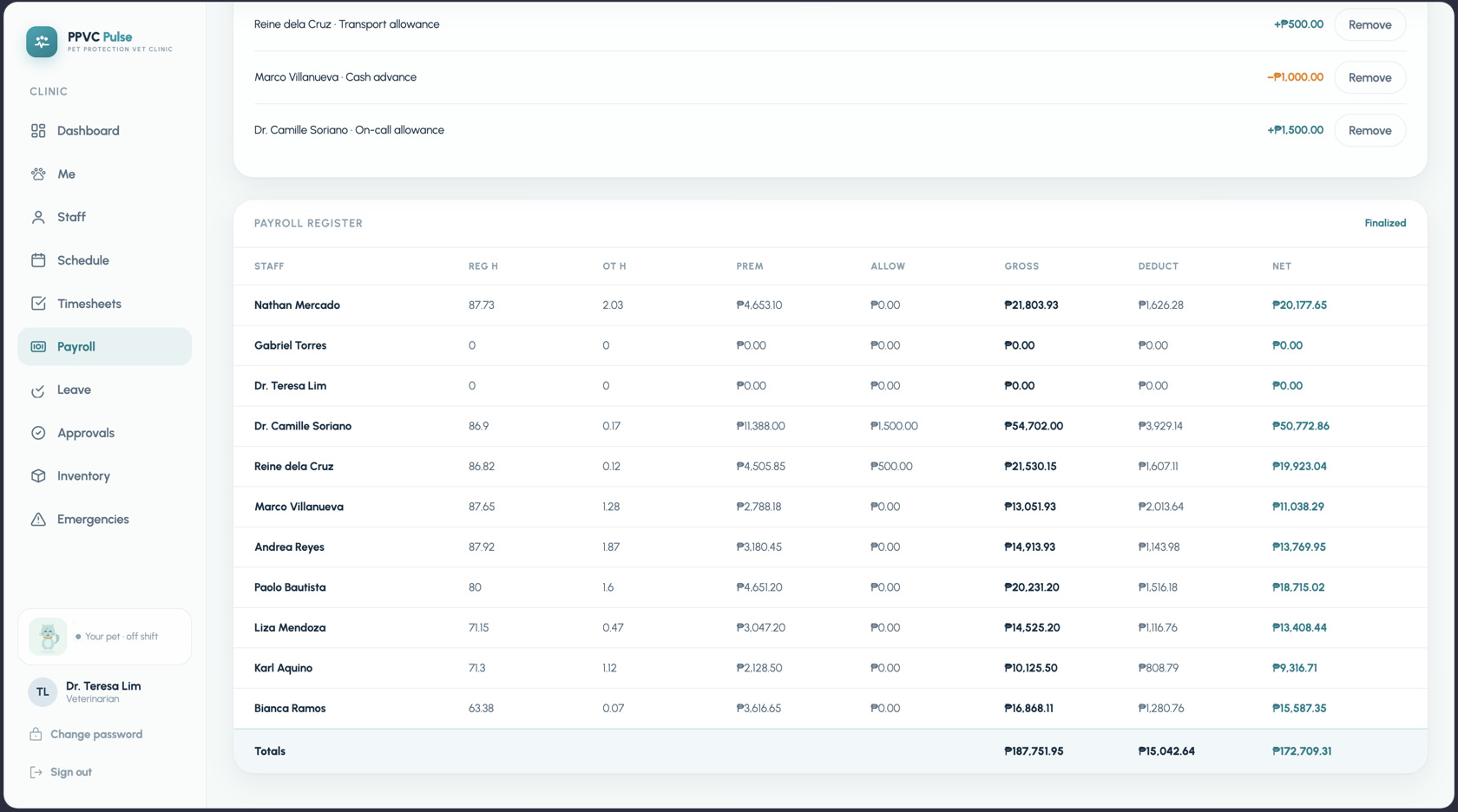
Payroll is where trust is won or lost, so nothing is a black box. Each role carries an hourly rate with multipliers for overtime, holidays, rest days, and night hours; individuals can have per-hour overrides and one-off adjustments; and the register shows exactly how every peso was computed before anyone hits finalize — which is audited, guarded against un-finalizing after payment, and ends with PDF payslips sent straight from the app.
Inventory down to the crash cart
Clinic inventory isn't office supplies — it's anesthetics, vaccines, and the emergency drugs that have to be findable in seconds. Every item carries a quantity, an expiry date, and a physical location as specific as “Crash Cart · Drawer 2.” Expiring and low-stock items surface at the top, and the kiosk's Find supplies button answers the 2 AM question — where's the epinephrine? — without waking anyone up.
Two apps in a pocket
Staff live in the phone app (Capacitor ships it as native iOS and Android with push notifications) — but it's deliberately view-only for attendance. They see their companion, shift, streak, payslips, and alerts; they request leave; and when the red button goes off, they acknowledge an emergency callout. The one thing they can't do from bed is clock in.
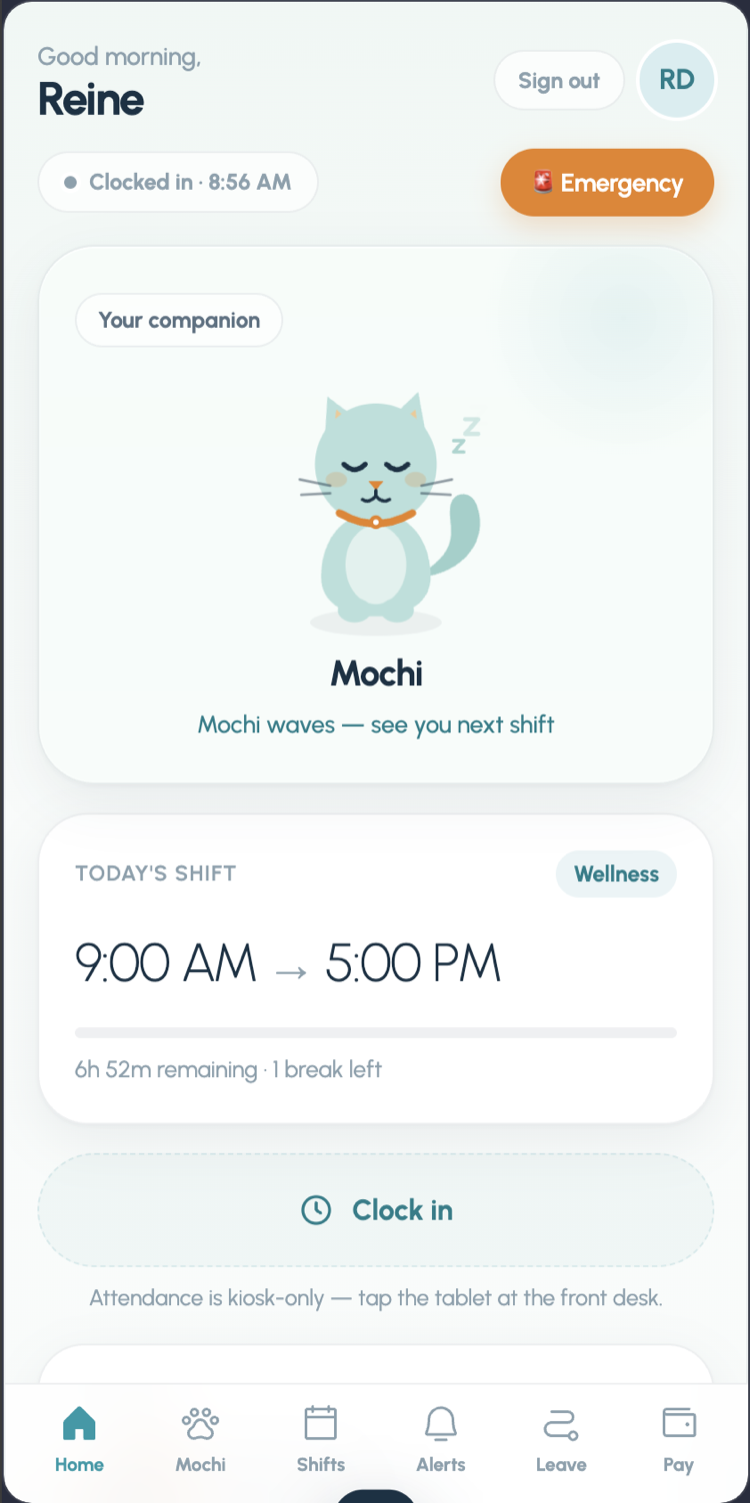 Home & pet
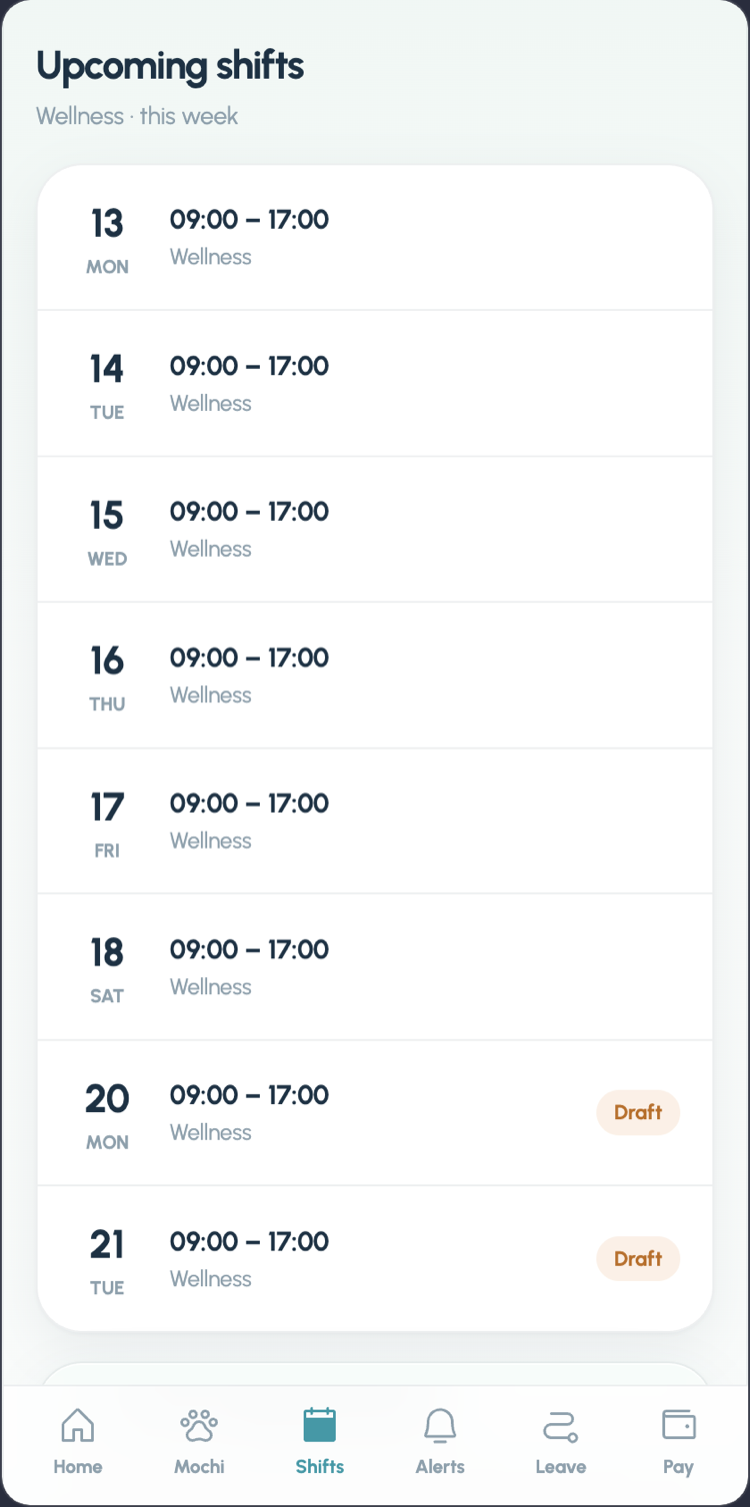 Shifts
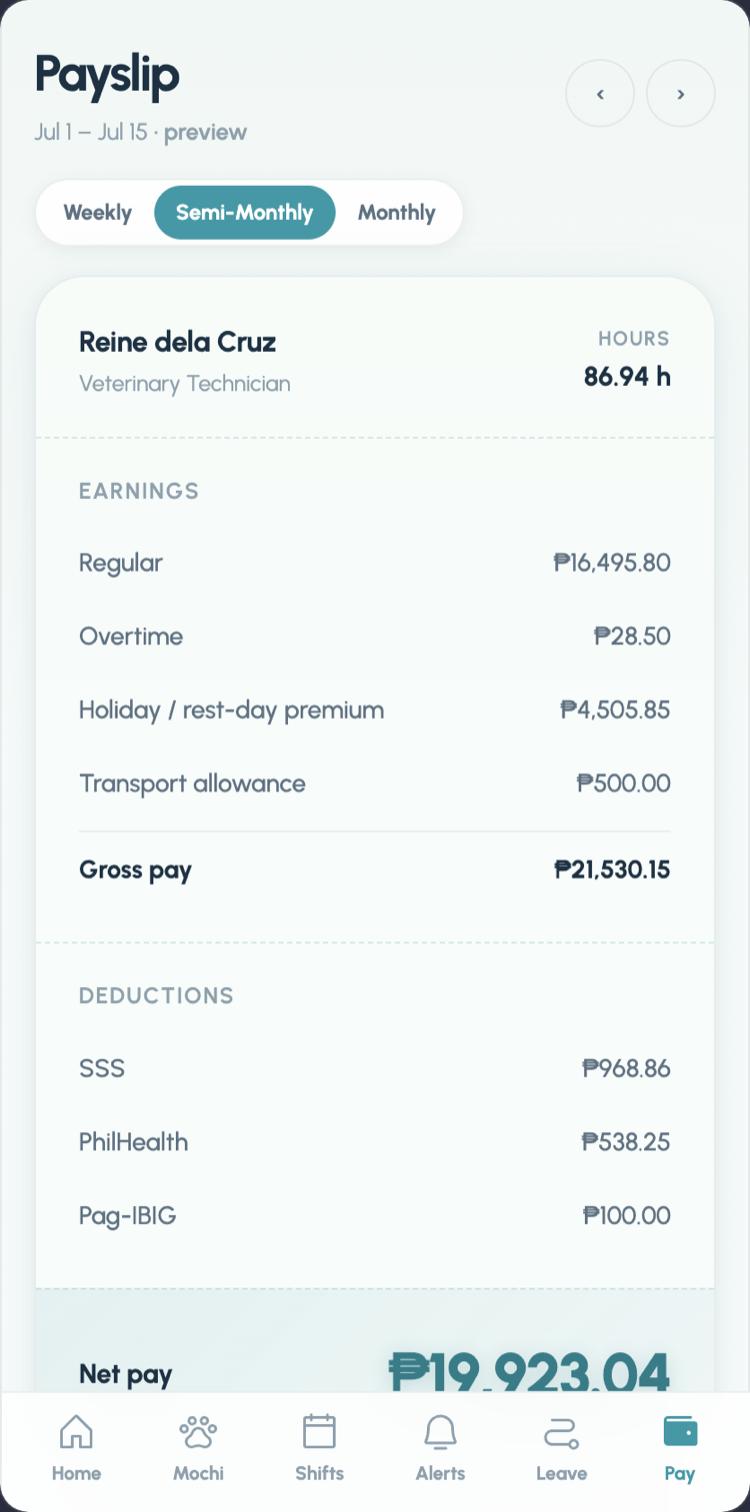 Payslip
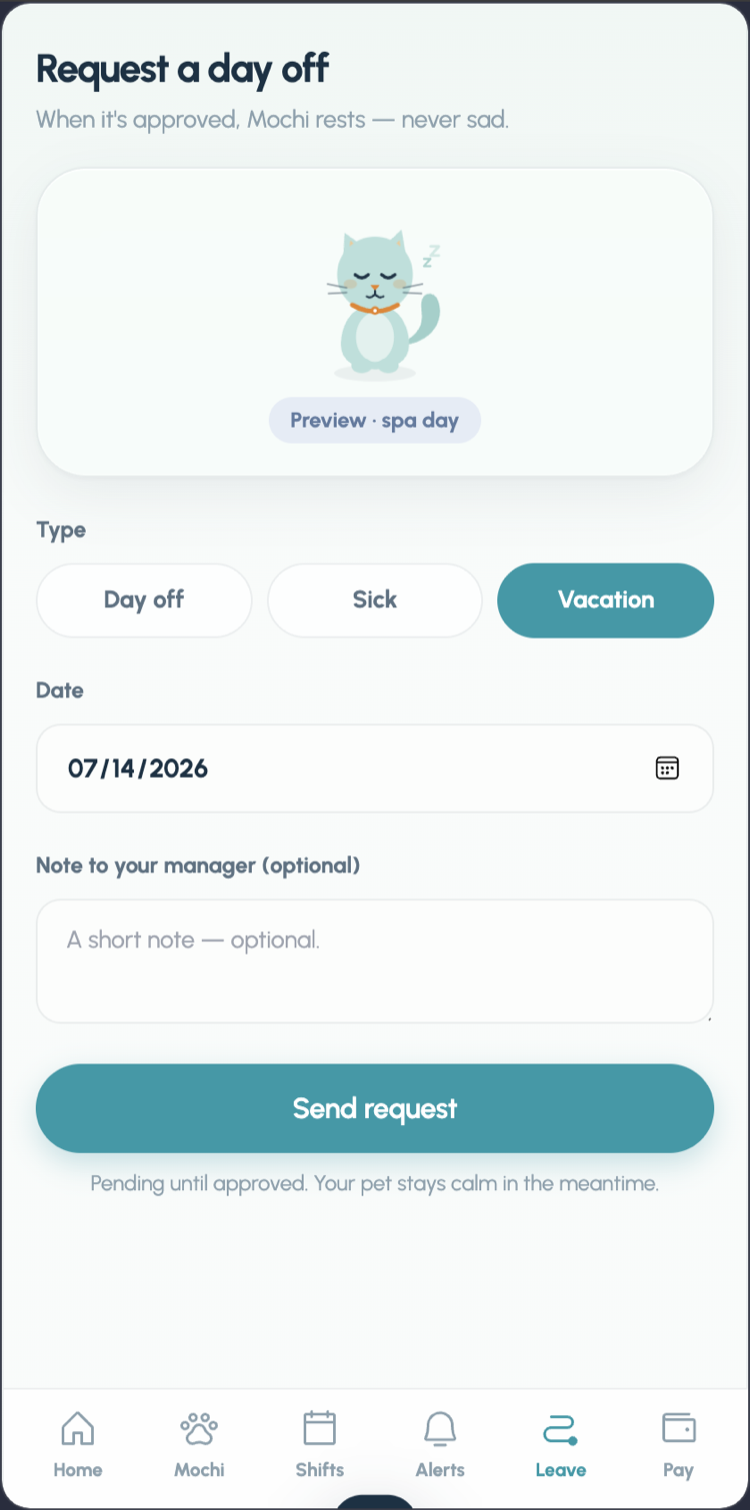 Request day off
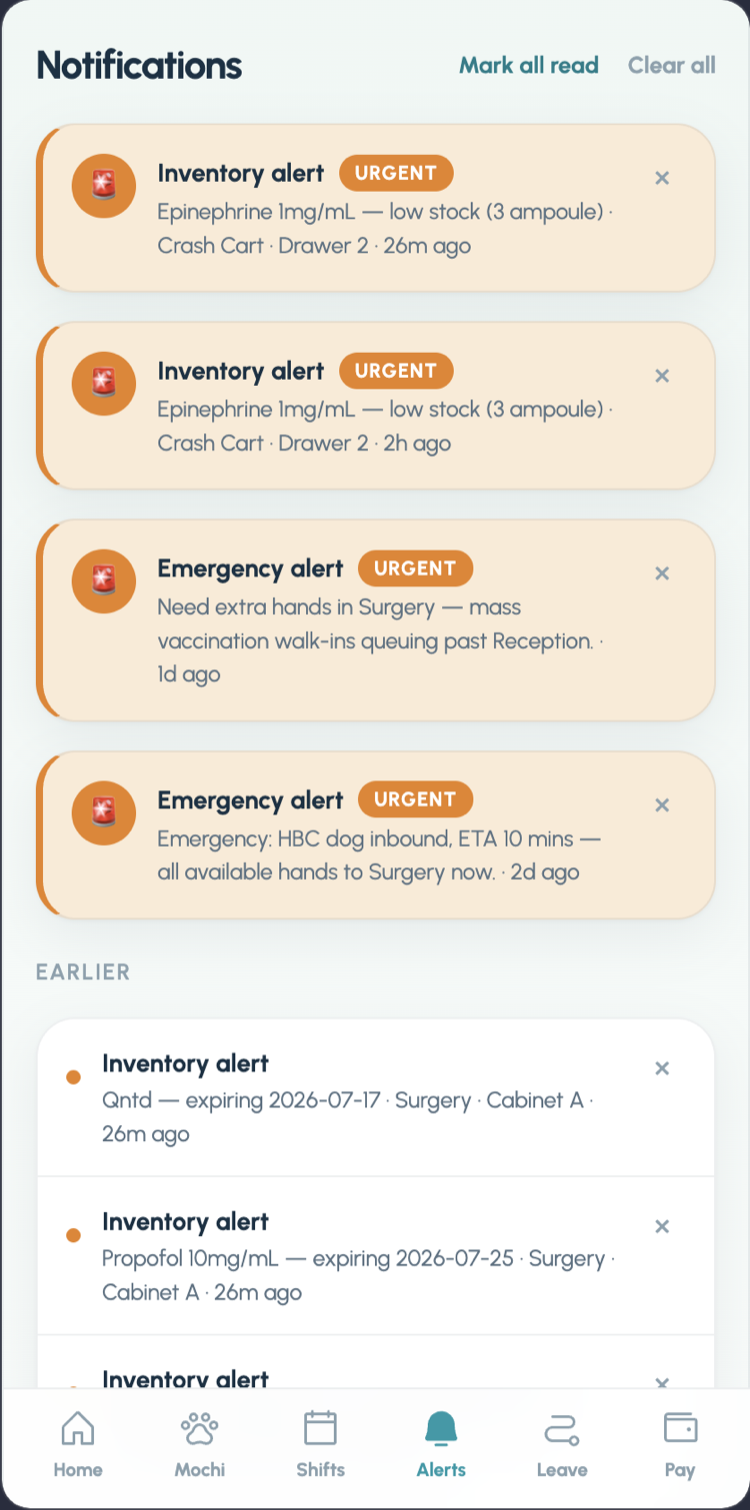 Notifications
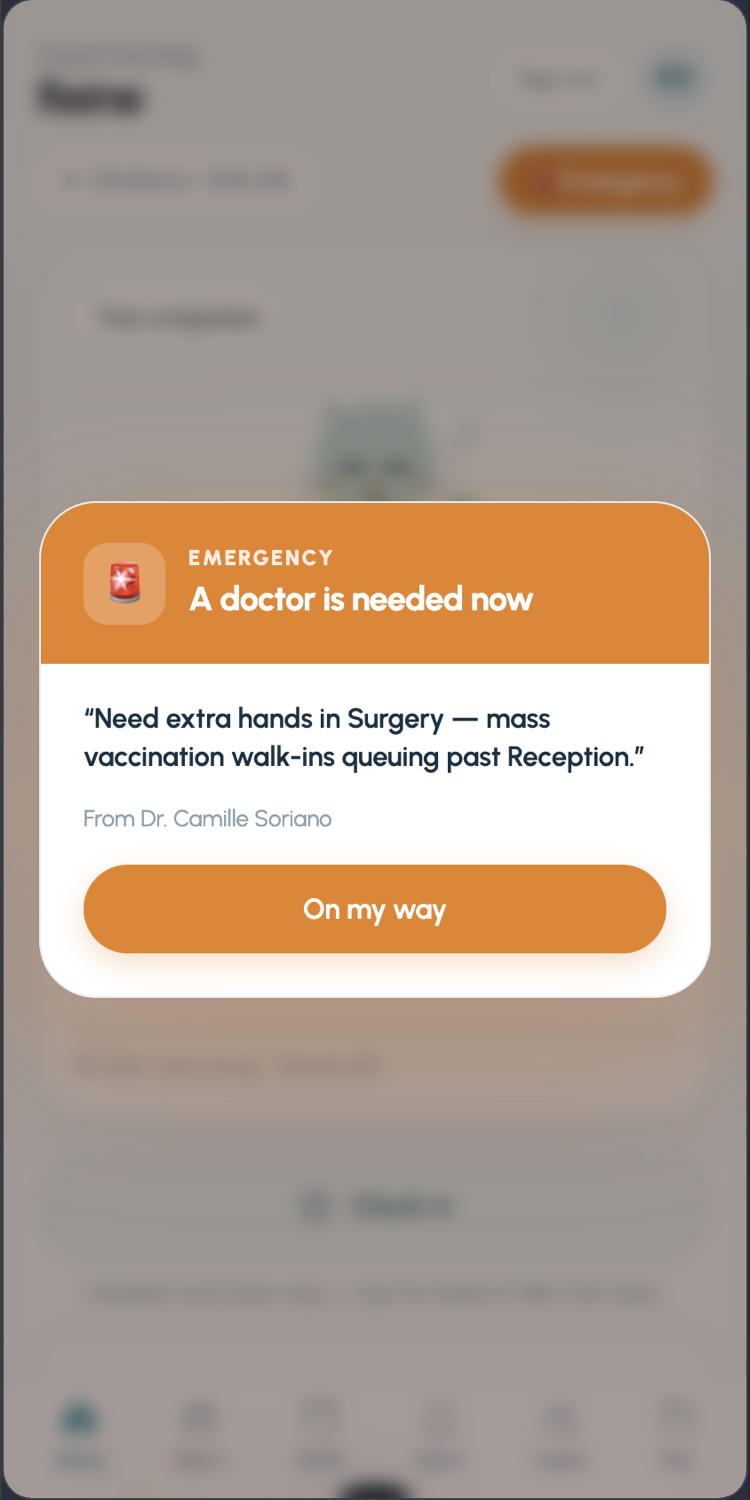 Emergency nudge
Admins get the same pocket treatment — the whole clinic view, staff records, inventory, and the Emergency button that pages one doctor or the entire team, from wherever they're standing.
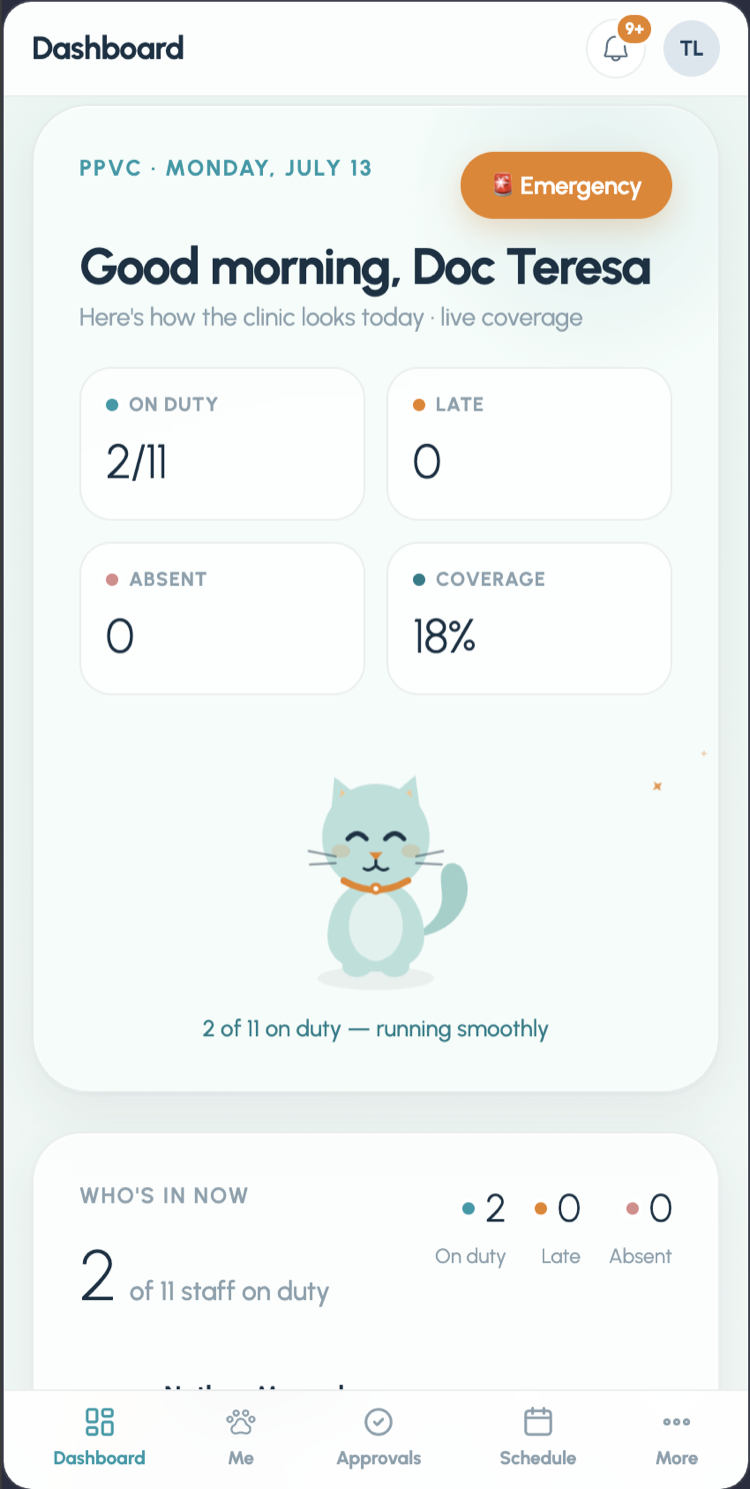 Dashboard
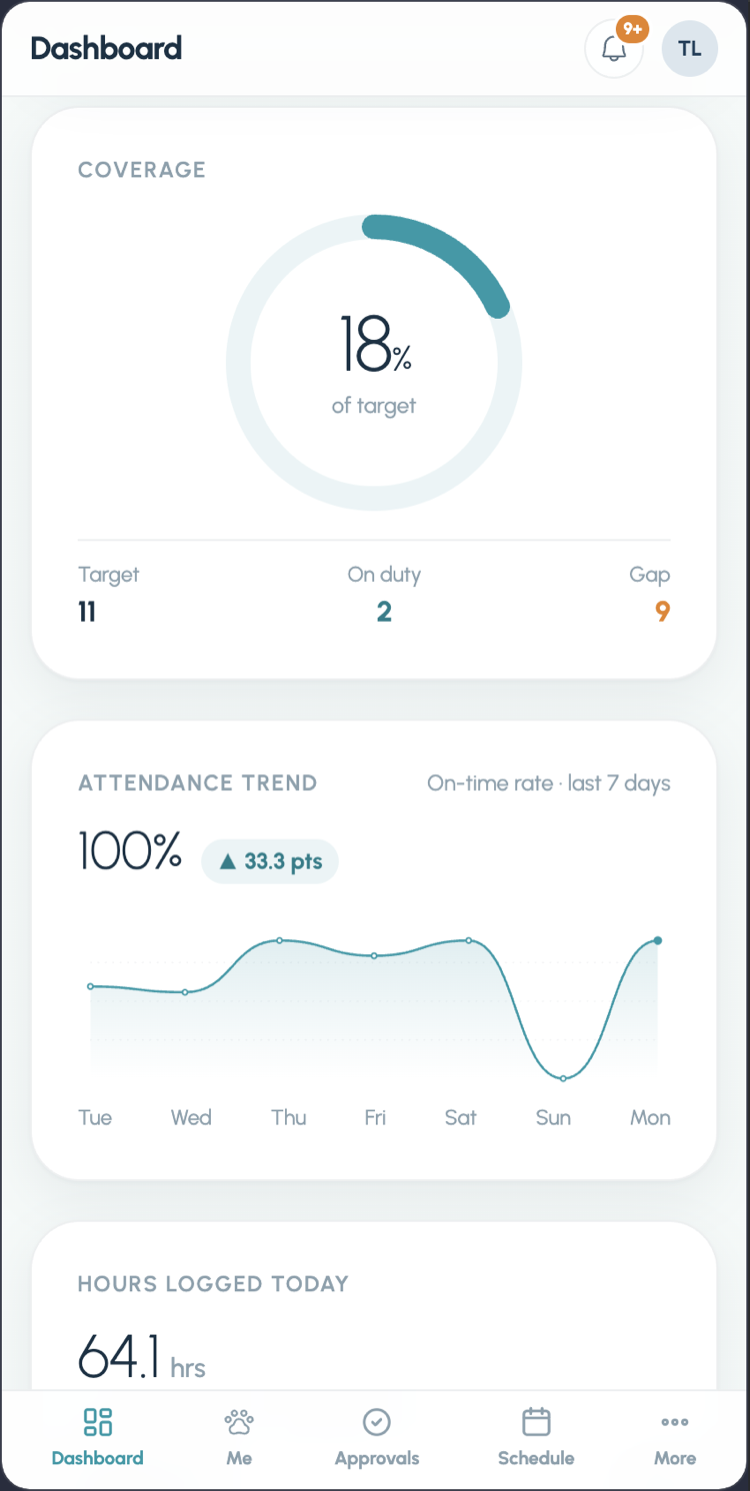 Coverage
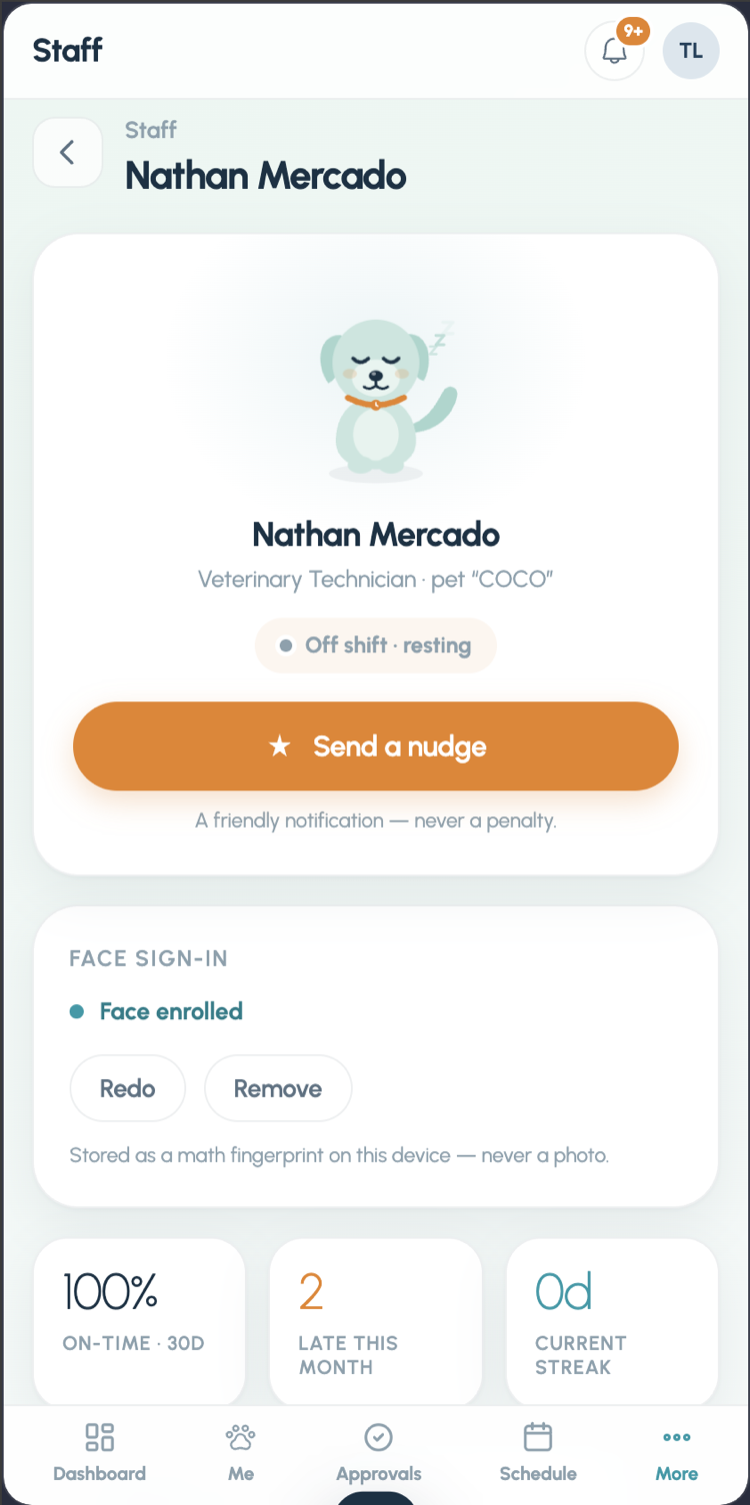 Staff record
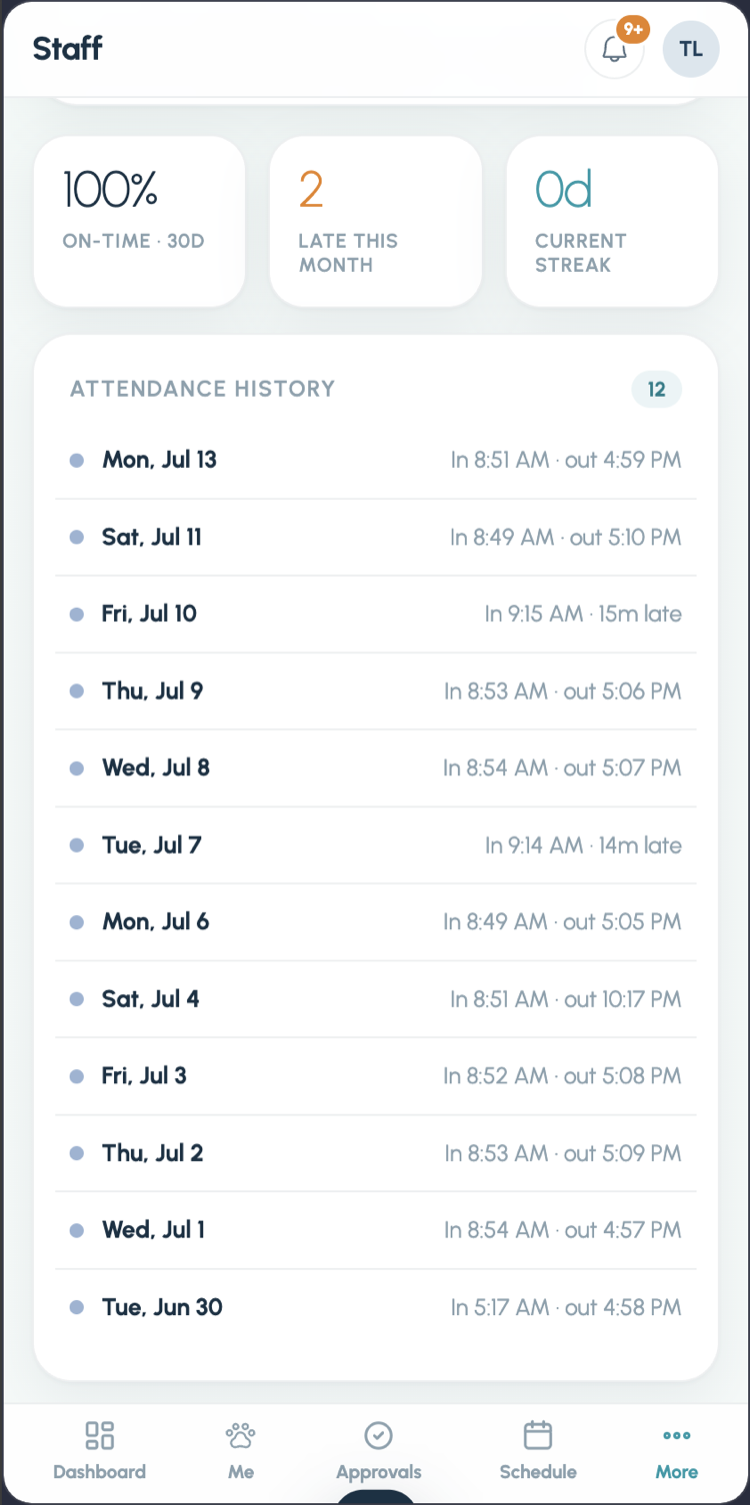 Attendance
 Pet companion
 Inventory
 Item drawer
 Page everyone
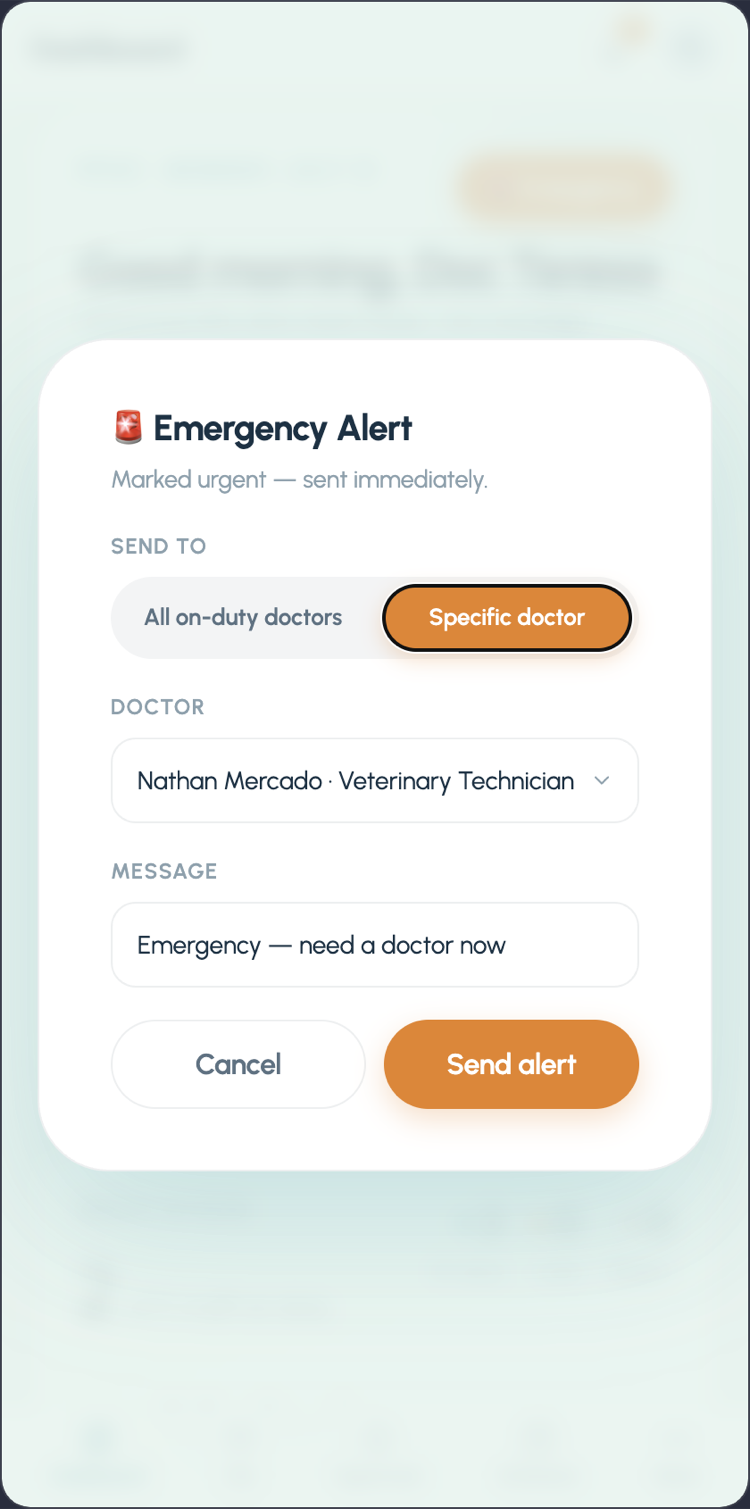 Page one doctor
Under the hood this is 25 routed pages, 20 tables across 21 migrations, and 21 Vitest test files — including an RLS integration suite that logs in as each role and proves the deny-by-default policies hold.
What comes next
The fourth role in the schema — client — is the roadmap. The same backbone that reminds a technician about their shift can remind a pet owner that Mochi's next vaccination is due, hold vaccine records, and book visits. And nothing in the system knows it's a vet clinic except the artwork: kiosk attendance, kind streaks, payroll, and located inventory fit any small business that runs on shifts and shelves.